
Menu

most customizable
with creative layouts
without programming knowledge
Shopware Themes most customizable, with creative layouts, without programming knowledge
Real features instead of superficial adjustments! Test it 30 days for free.
View demos18+
Demo Sets
9000+
Theme downloads
270+
Reviews
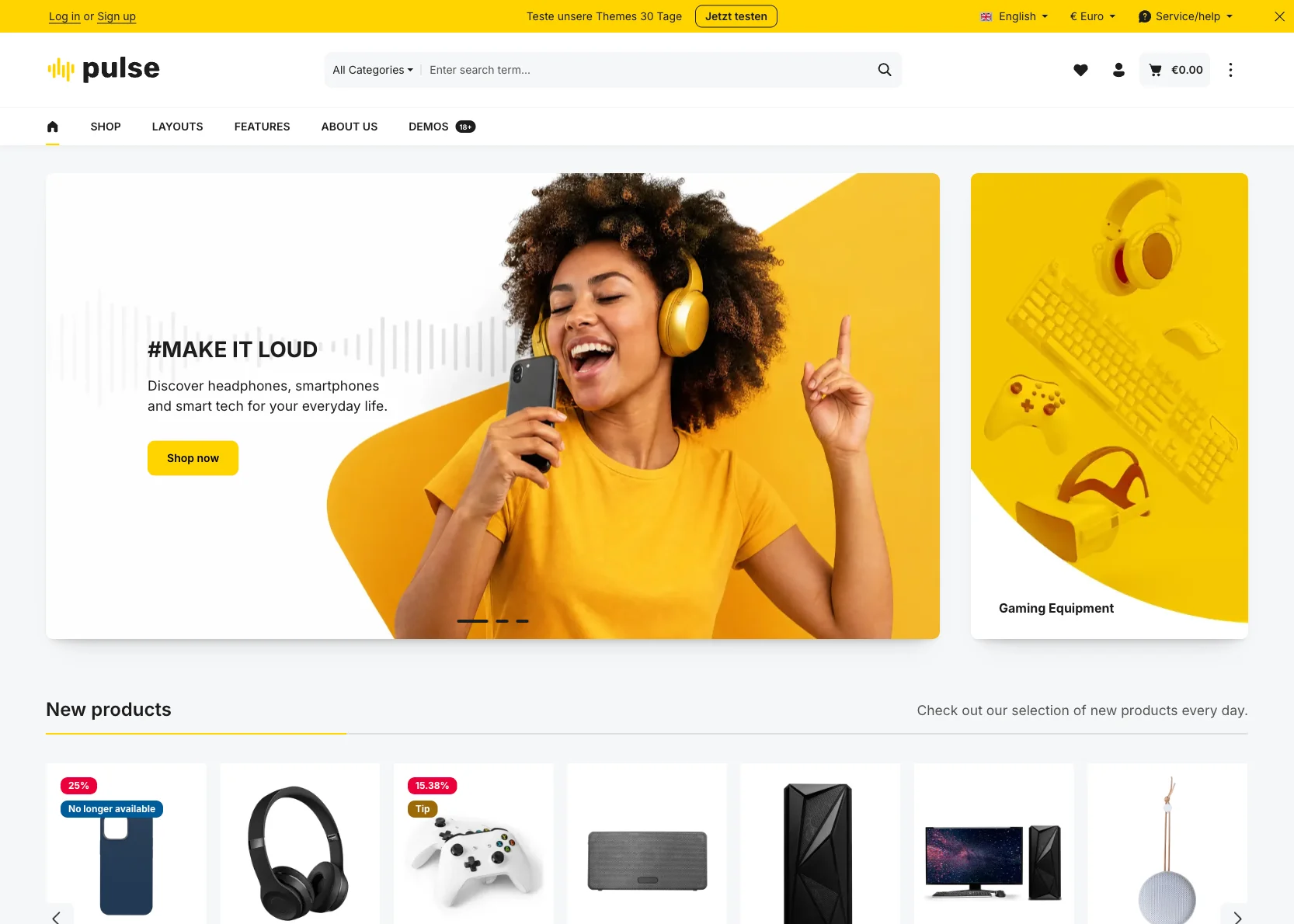
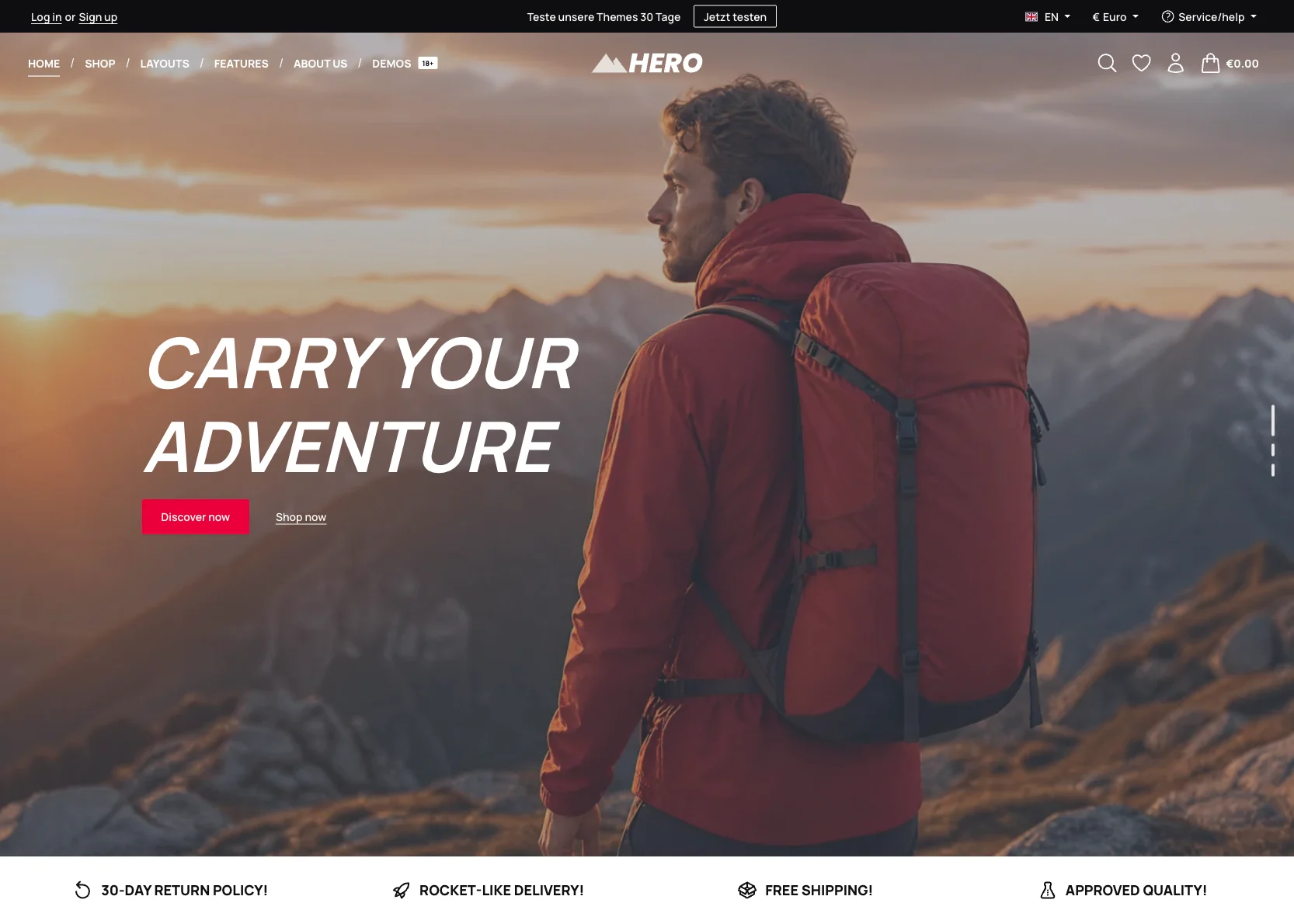
Modern design
that actually sells
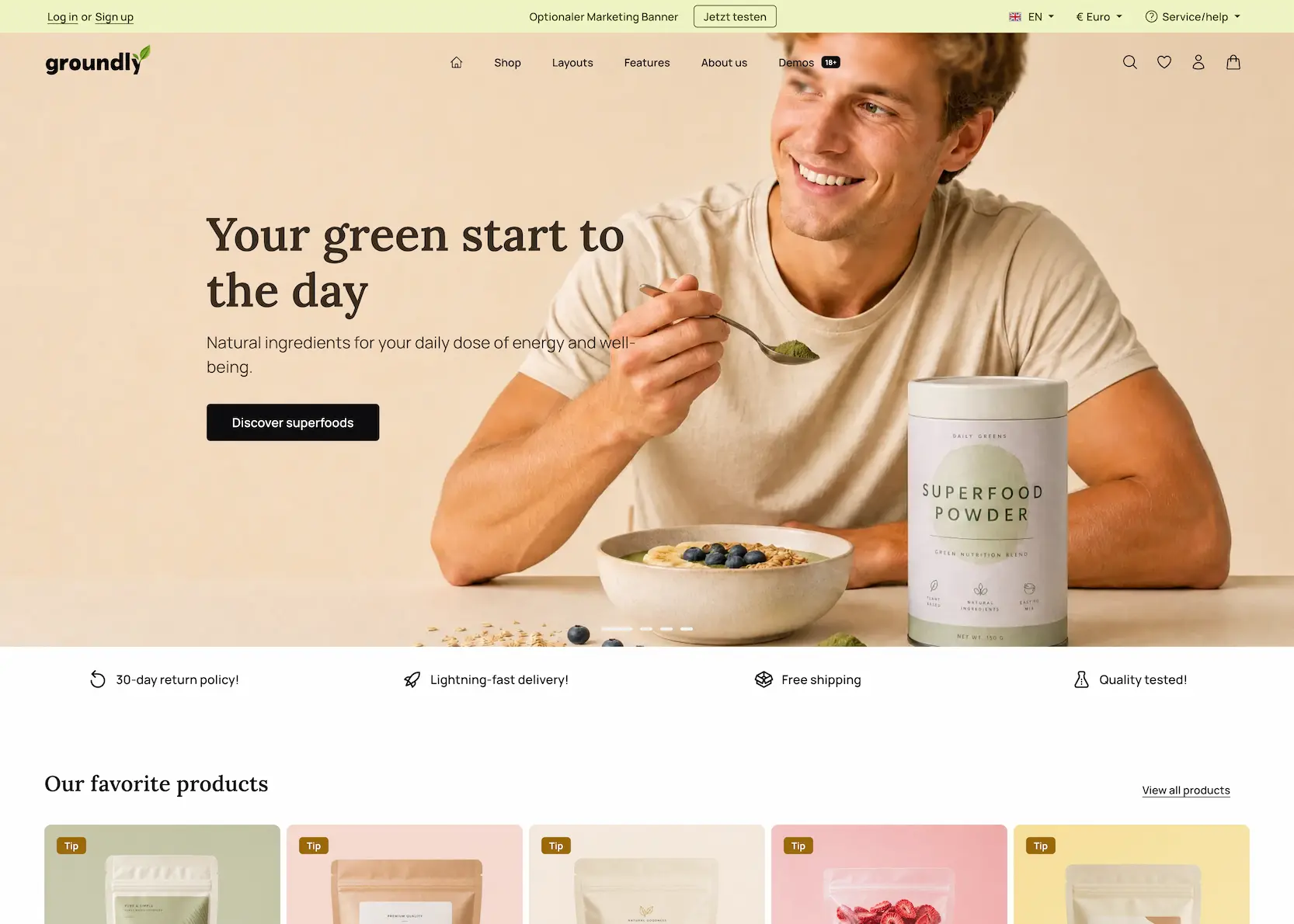
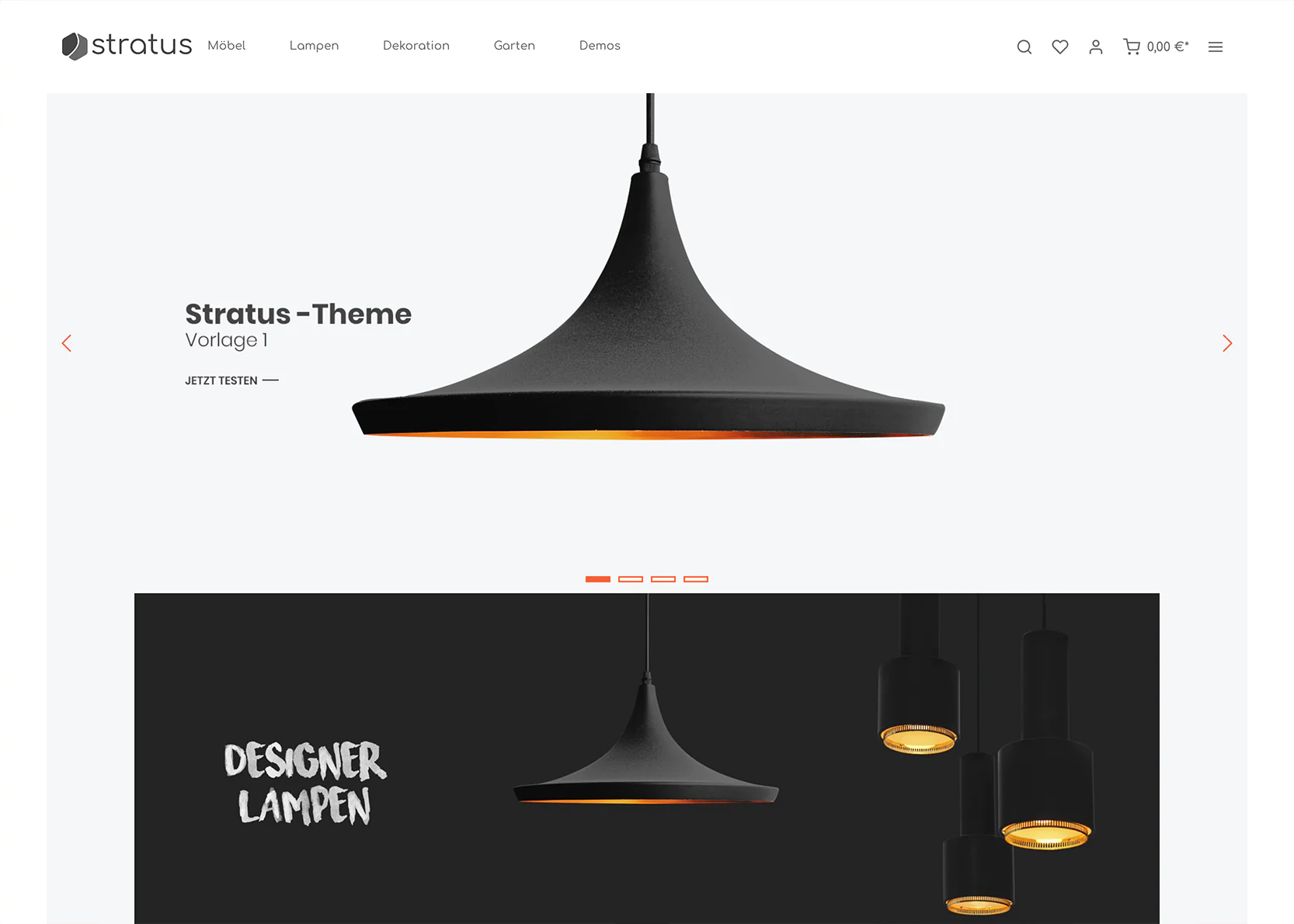
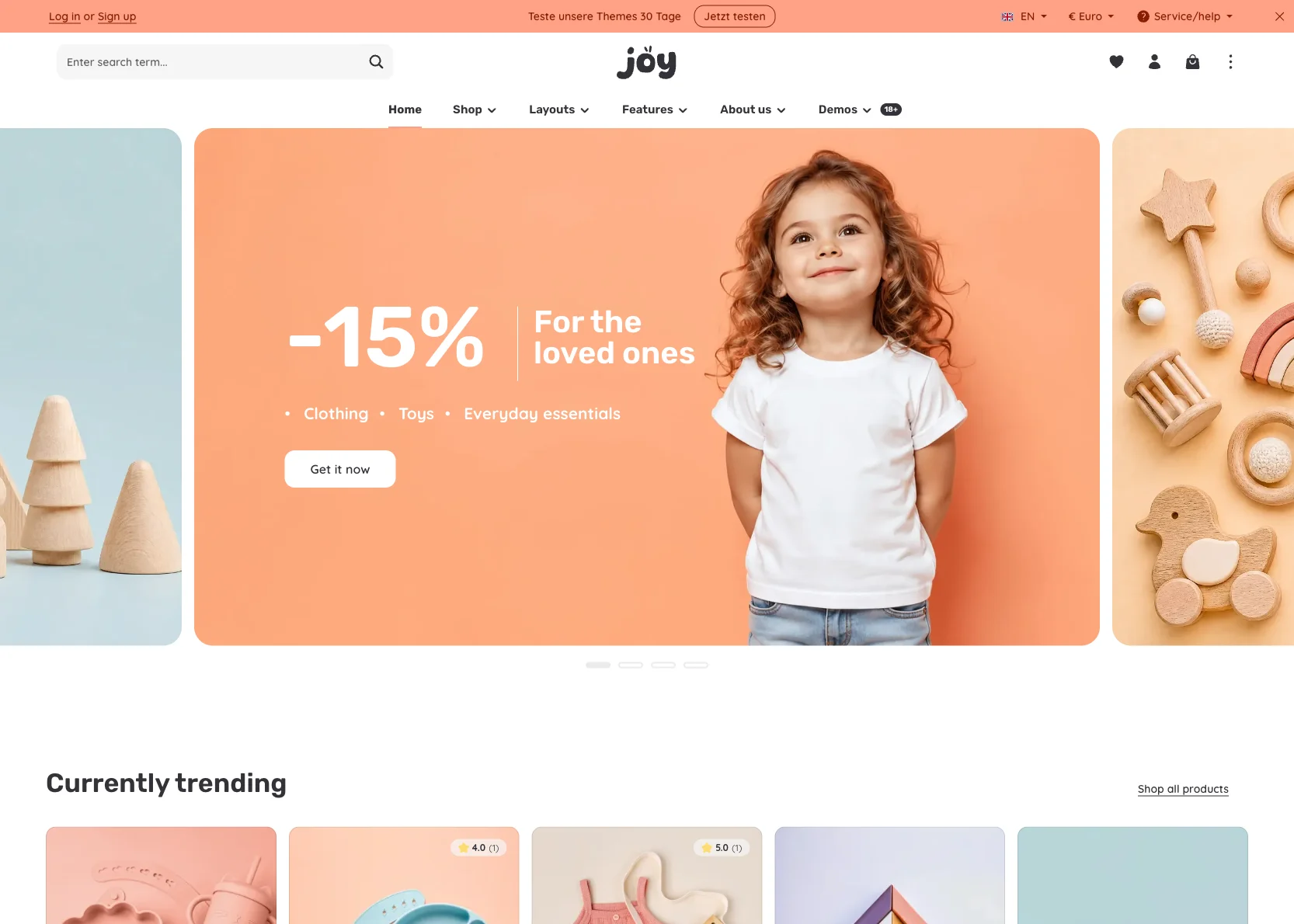
Discover modern design that performs – with well-thought-out settings and features that make your shop successful.
18+
ready-made demo designs
Explore designs
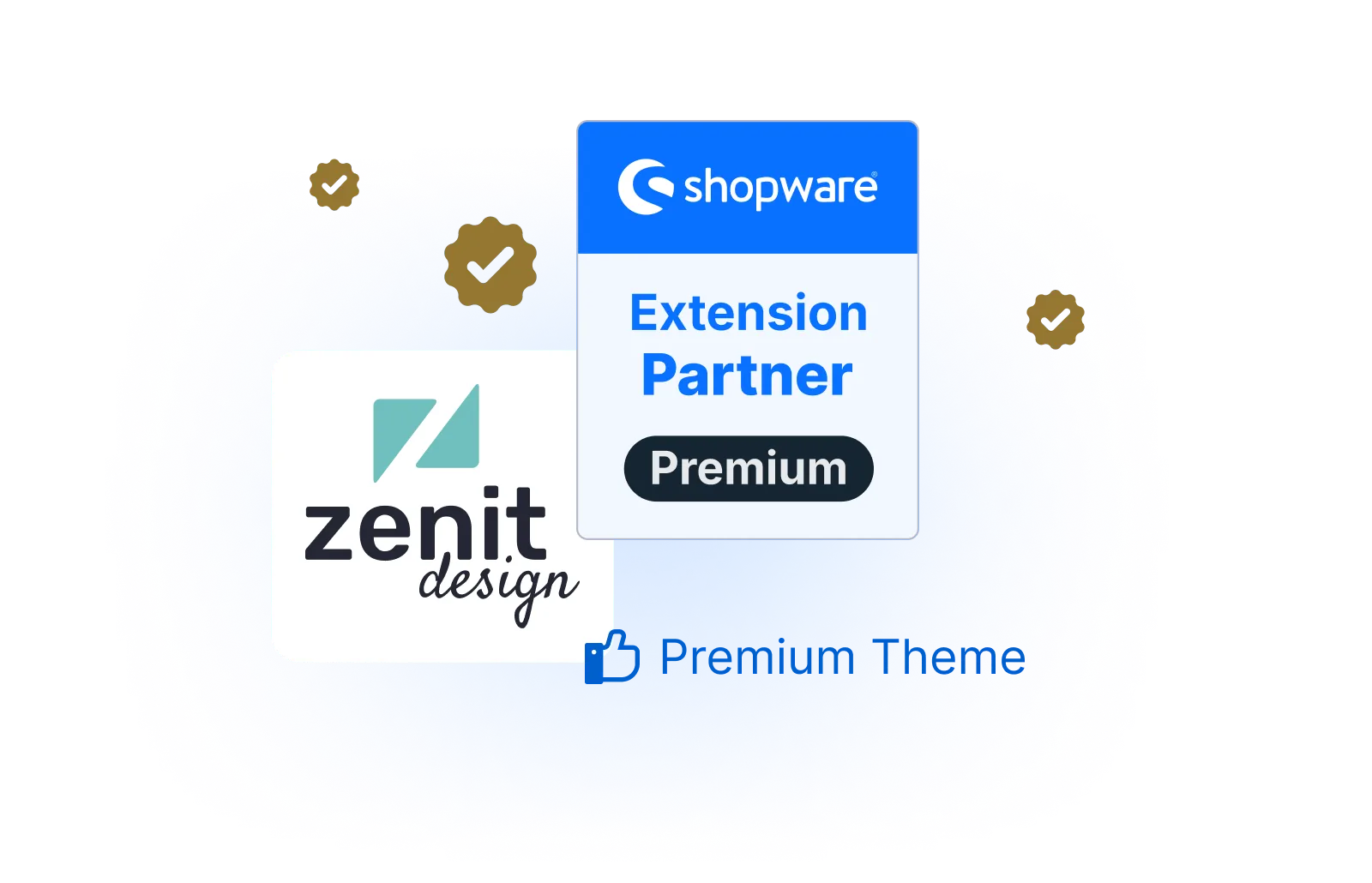
Awarded as
Premium Extension Partner
in the Shopware Store
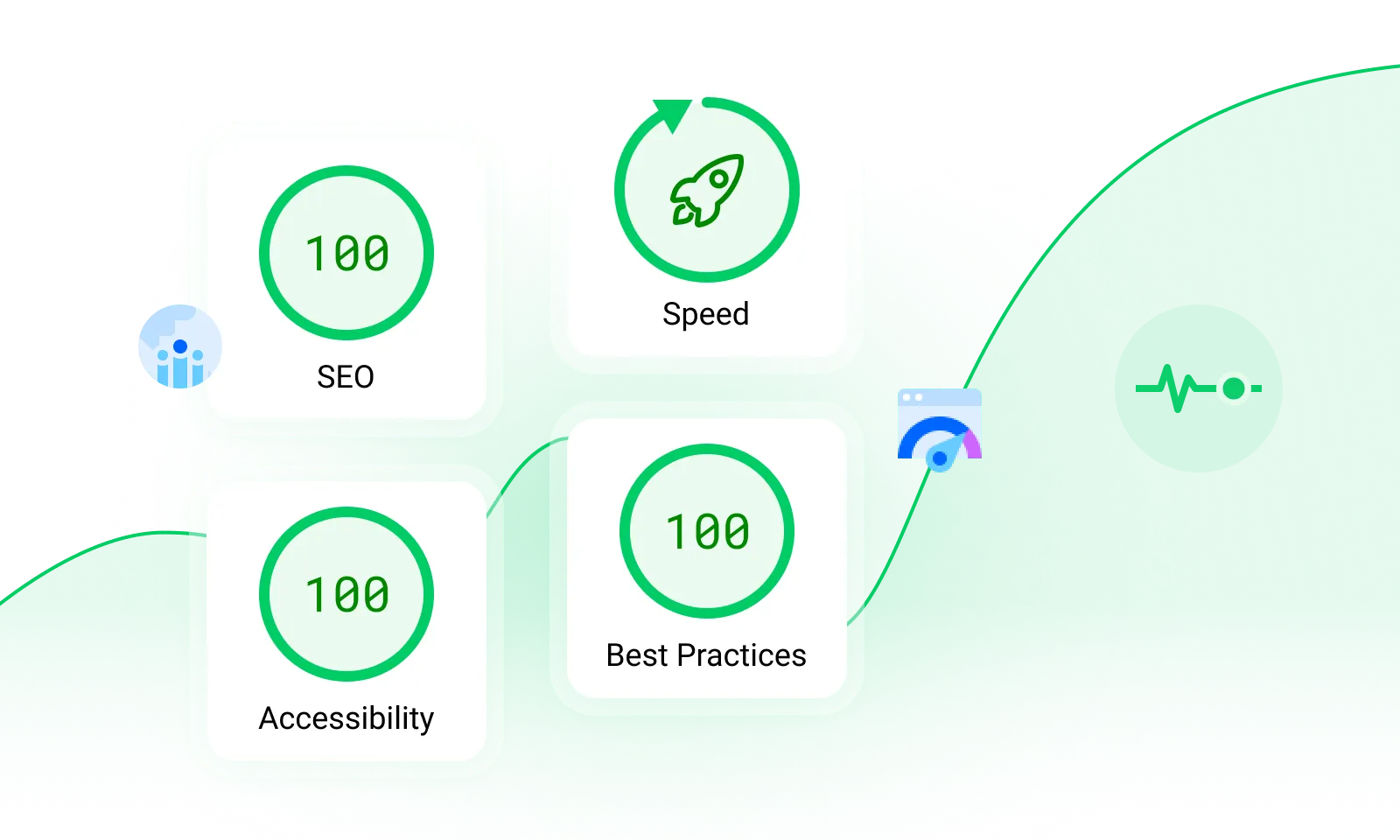
Optimized for SEO, top performance & accessibility
Learn moreOne-click
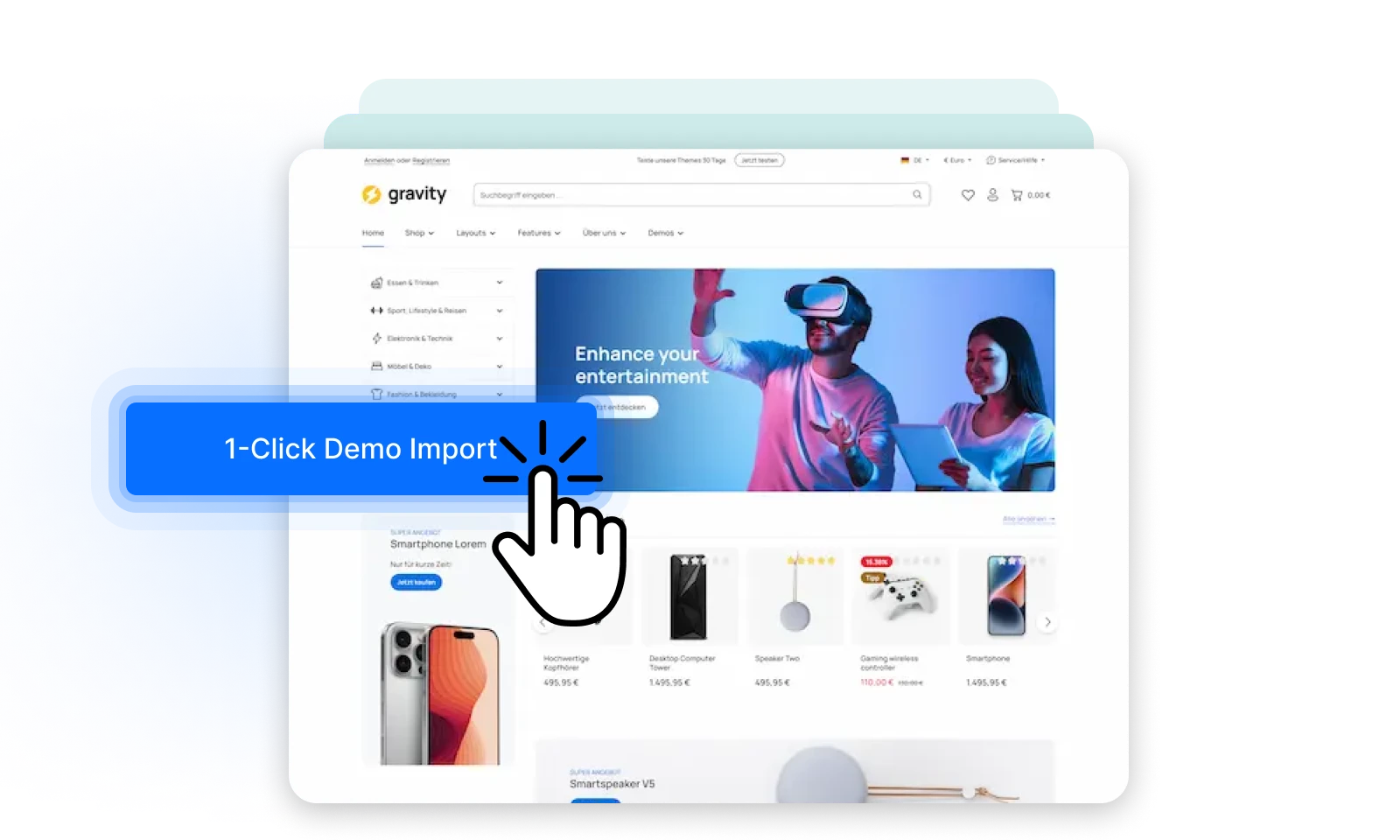
demo import, templates and more ...
70+
popular plugins as built-in features
Discover all features
Theme Fonts
Animate on Scroll
CMS Elements
Sticky Header
Dropdown Navigation
Menu Scroller
Category Labels
Category Images in Flyout
Theme Fonts
Animate on Scroll
CMS Elements
Sticky Header
Dropdown Navigation
Menu Scroller
Category Labels
Category Images in Flyout
Quick View
Delivery Time in Listing
Cover Switch
Quantity Selection in Listing
Variant Selection in Listing
Expanded Filters
Additional Tabs on Product Page
Gallery Scroller
Quick View
Delivery Time in Listing
Cover Switch
Quantity Selection in Listing
Variant Selection in Listing
Expanded Filters
Additional Tabs on Product Page
Gallery Scroller
Gallery Grid
Optimized Checkout
Announcement Banner
Floating Labels
Hide Quantity Selection
Checkout Steps
Category Listing
Template Import
Gallery Grid
Optimized Checkout
Announcement Banner
Floating Labels
Hide Quantity Selection
Checkout Steps
Category Listing
Template Import
One theme – all the options
You don't have to pick the “right” theme. All our themes – whether Atmos, Gravity, Horizon, Sphere or Stratus – share the same core. Simply choose the template you like best.

100% one Core
All themes are based on the same basis and only differ in their default settings.
Which theme suits you?
Decide on the theme and template that comes closest to your idea of your shop.

You won't miss anything!
No matter which theme you choose – with any theme and any template you can set up every demo you see below. The templates just make it faster!
18+
High-quality Designs
Choose the design that suits your shop style. Import the design with one click and get started right away.

Coming Soon
Import template
You can now import theme configuration templates directly in the Shopware backend – no download required. Simply select one of the 18 templates and it will be applied immediately.
Optional
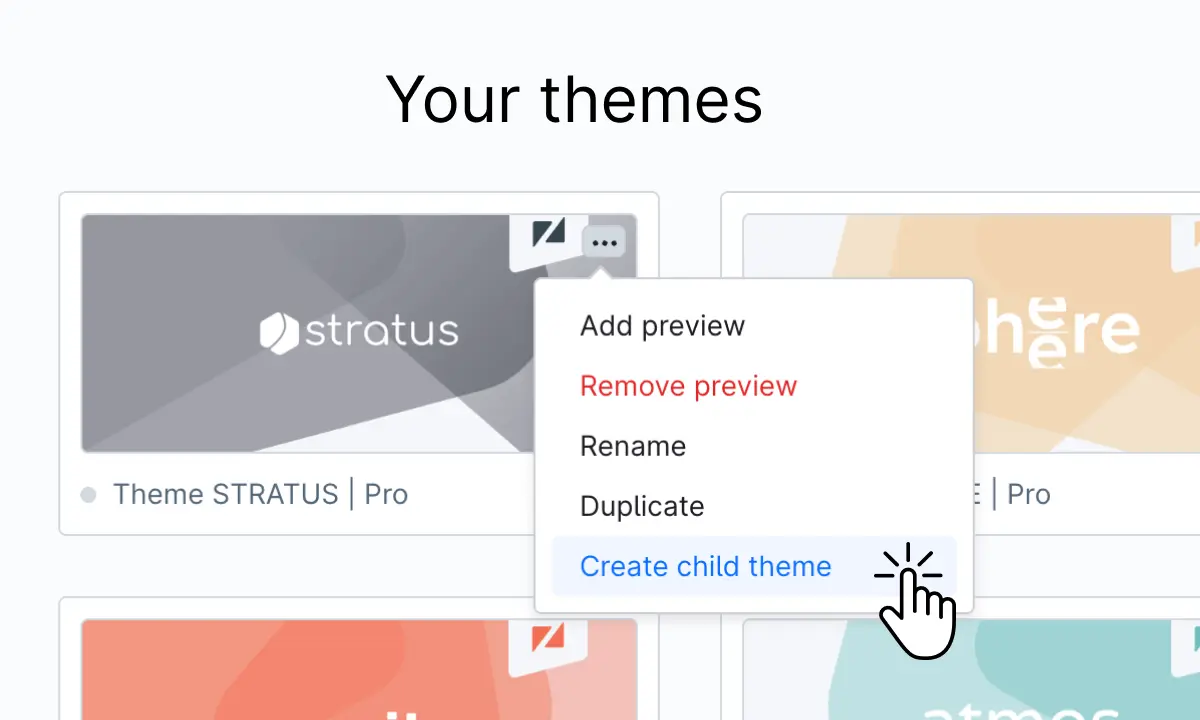
Optionally create a child theme – recommended for code customizations or when using the theme in multiple sales channels – learn more in the docs.
Child Theme Generator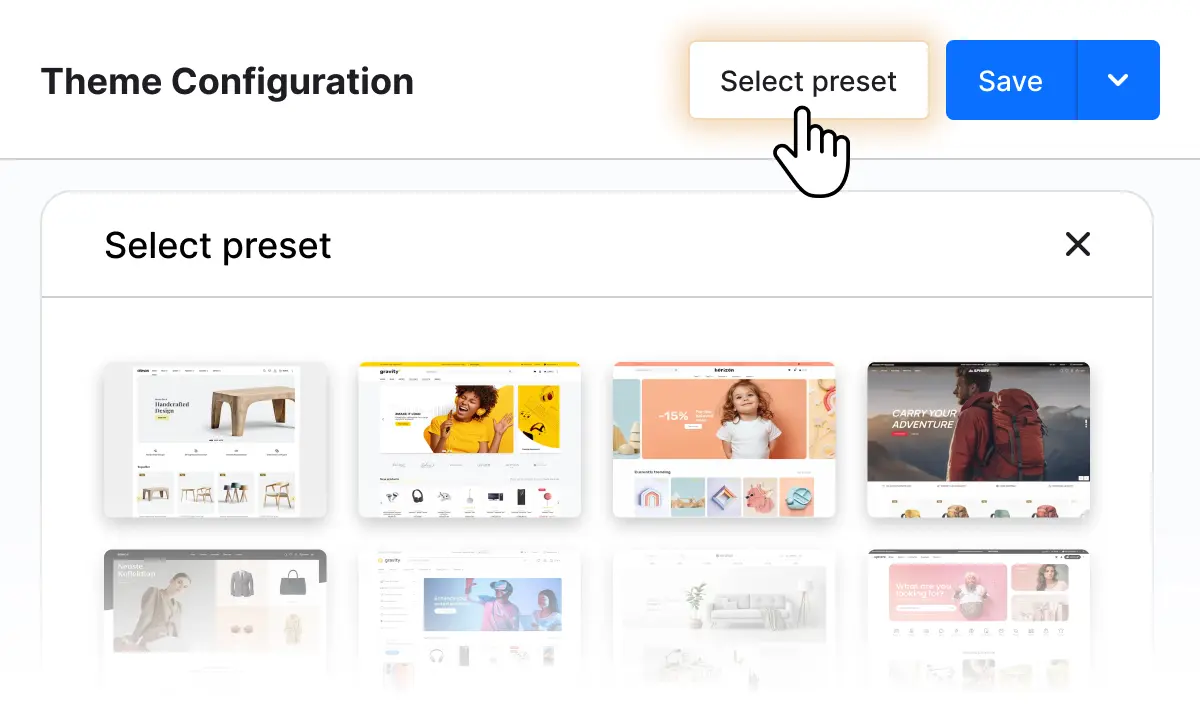
Select from all templates directly in the theme configuration in the Shopware admin and apply with a single click.
Learn more in the docsOptional
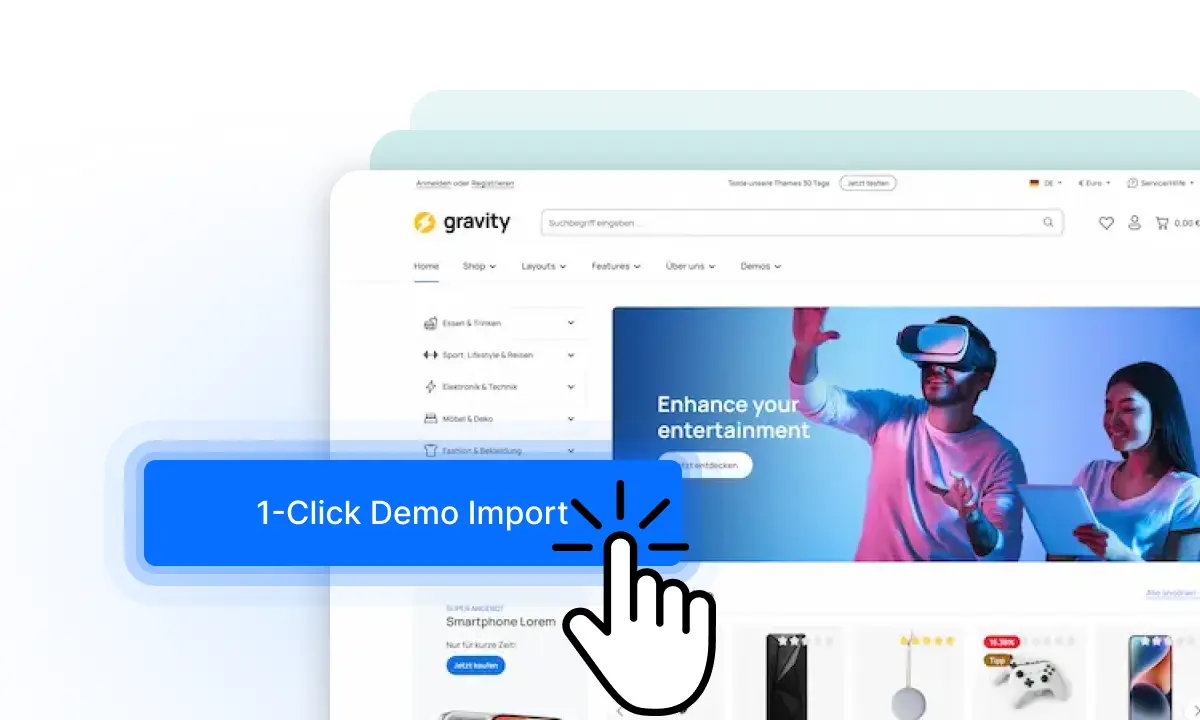
Optionally import matching demo data with the free demo data plugin.
Demo Data PluginWhy
Zenit Themes?
We take care of the ongoing development and compatibility of our themes – so you don’t have to.
Our themes are continuously improved, regularly updated, and provide a feature set that would quickly become costly in custom development.

No branding, no additional costs
You can edit the copyright notice in the footer. There are no additional costs or fees.

Easy to use
Thanks to preconfigured child themes and numerous demos, you can start directly with the template that you like!
Unlimited expandability
Our themes are compatible with other extensions and can also be easily extended outside of the settings according to the rules of derivation.
Detailed documentation
Our constantly growing documentation is expanded regularly and already offers detailed information on every topic.
Developer support
The support comes directly from developers - we are therefore technically very familiar with our product in support.
Theme
Versions
Comparison between Pro and Cloud version of the theme.
You can use Shopware in the cloud, PaaS or as a self-hosted variant. The cloud version is primarily designed for the Shopware Cloud, but can also be used on the self-hosted version. The range of functions is minimally limited due to the cloud.
Pro
for the self-hosted & PaaS version of Shopware
- Theme with over 841+ settings
- Enhanced User Experience in Theme Configuration
- Theme Dashboard in administration
- Installable configuration templates
- Additional shopping experience elements
Cloud
for cloud version of Shopware
- Theme with over 816+ settings
- Enhanced User Experience in Theme Configuration
- Theme Dashboard in administration
- Installable configuration templates
- Additional shopping experience elements
Header Layouts
No matter whether single-line, two-line, multi-line, logo left, right, center or the search minimal or expanded - the header design with Zenit Themes is very flexible.
Header layouts
on mobile devices.
Choose between single and multi-line headers.


Highlights
The most important features of our themes – from product presentation to optimized checkout.
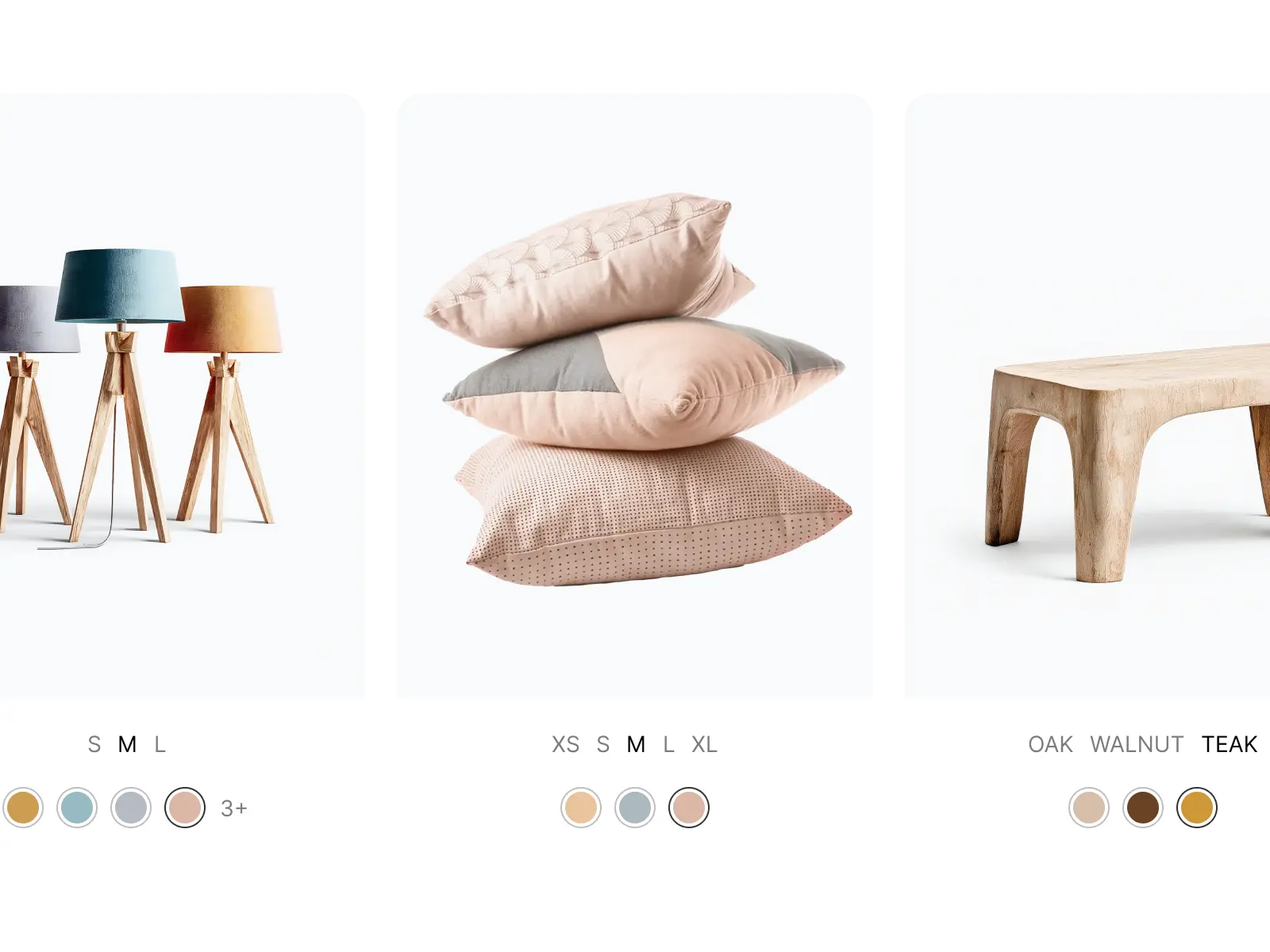
Variant Switch
Switch product variants directly in the listing – customers select color, size or other attributes without leaving the category page.
Image Slider
Animated image-text slider for appealing product presentations and shopping experiences.
Cover Switch
The second product image appears automatically on hover – simple and effective.
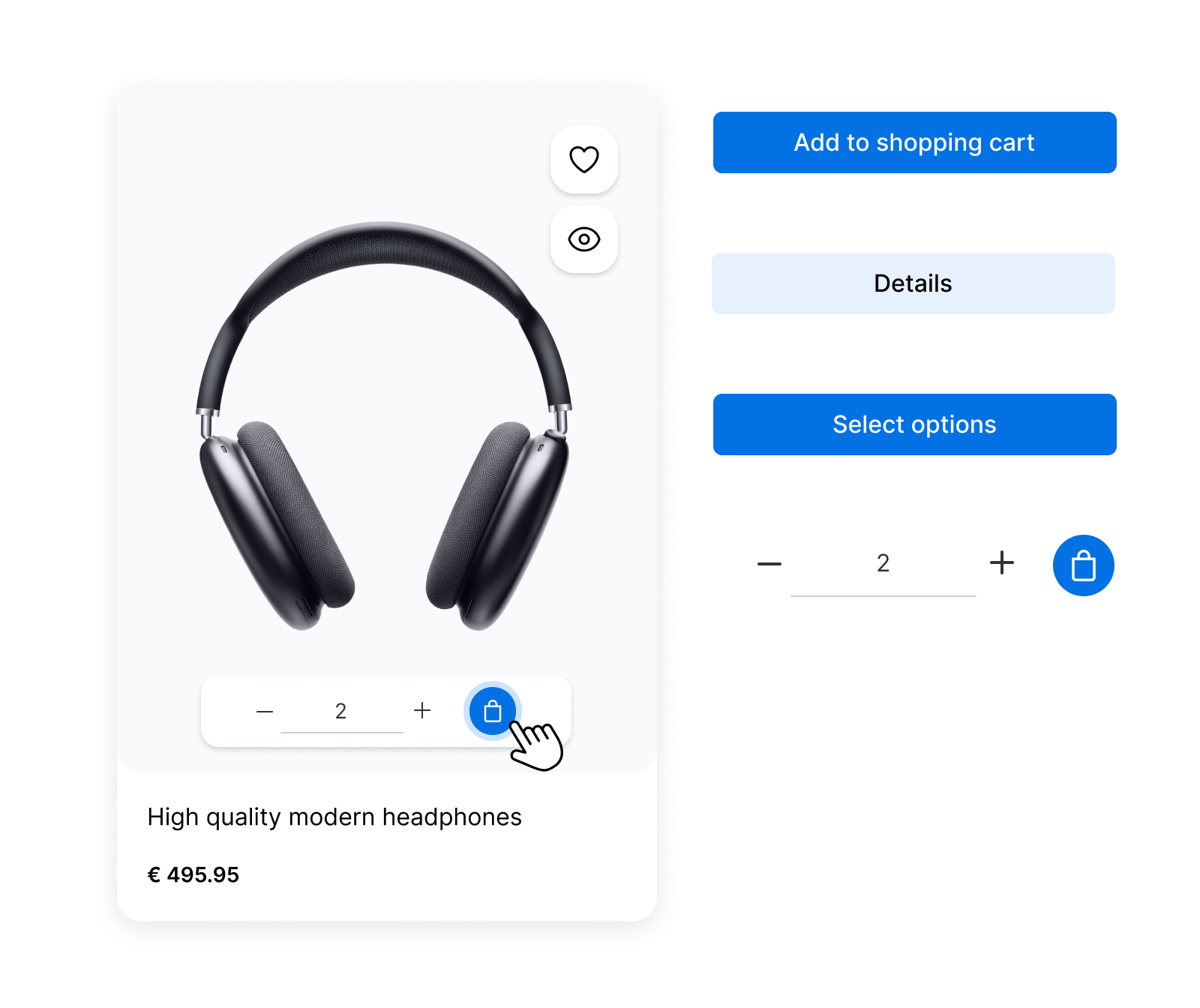
Product Actions
Quickview, quantity selection and buy button directly in the listing – ideal for B2B and B2C.
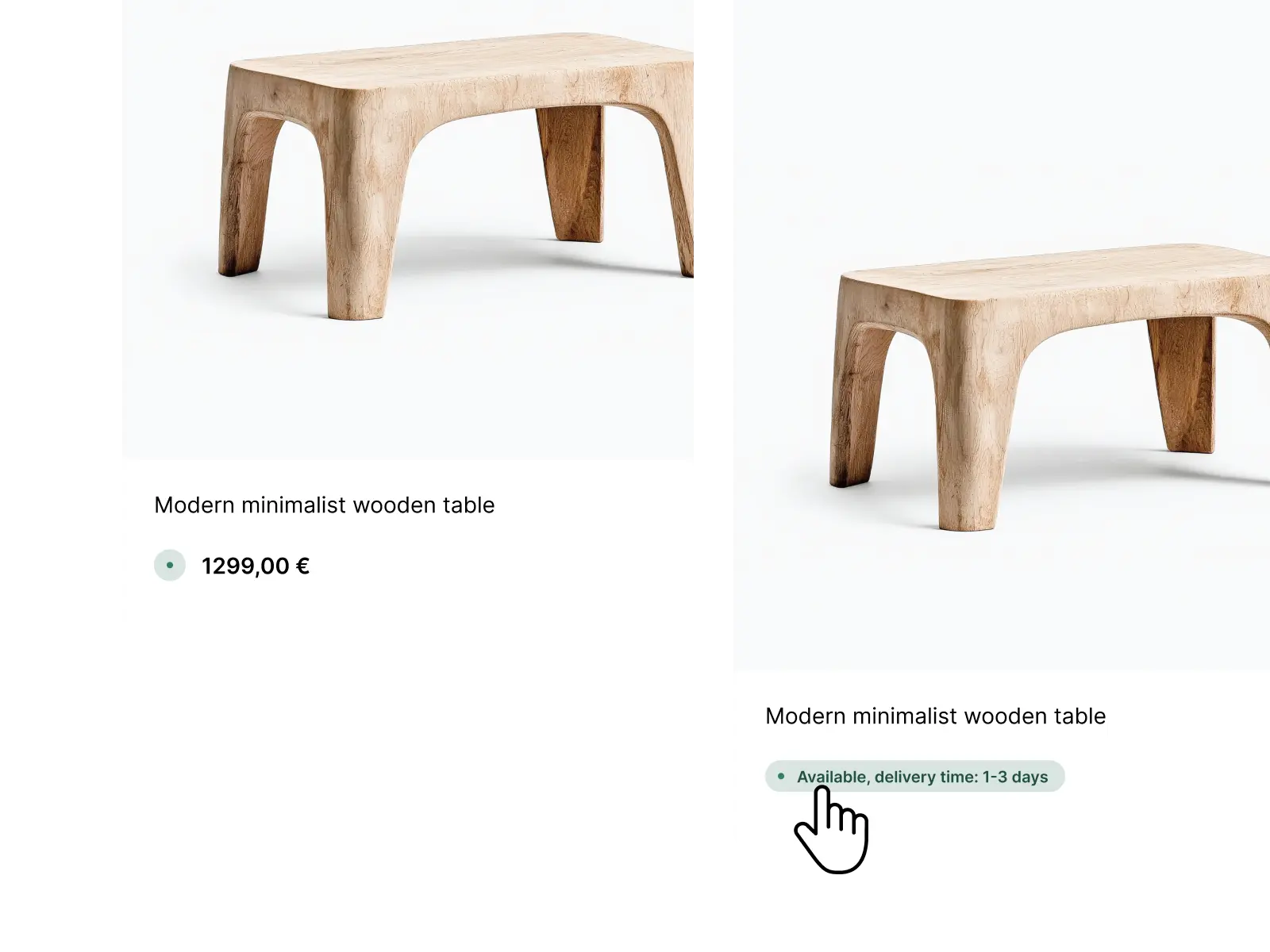
Shipping Time in Listing
Delivery times directly in the product box – more transparency for your customers.
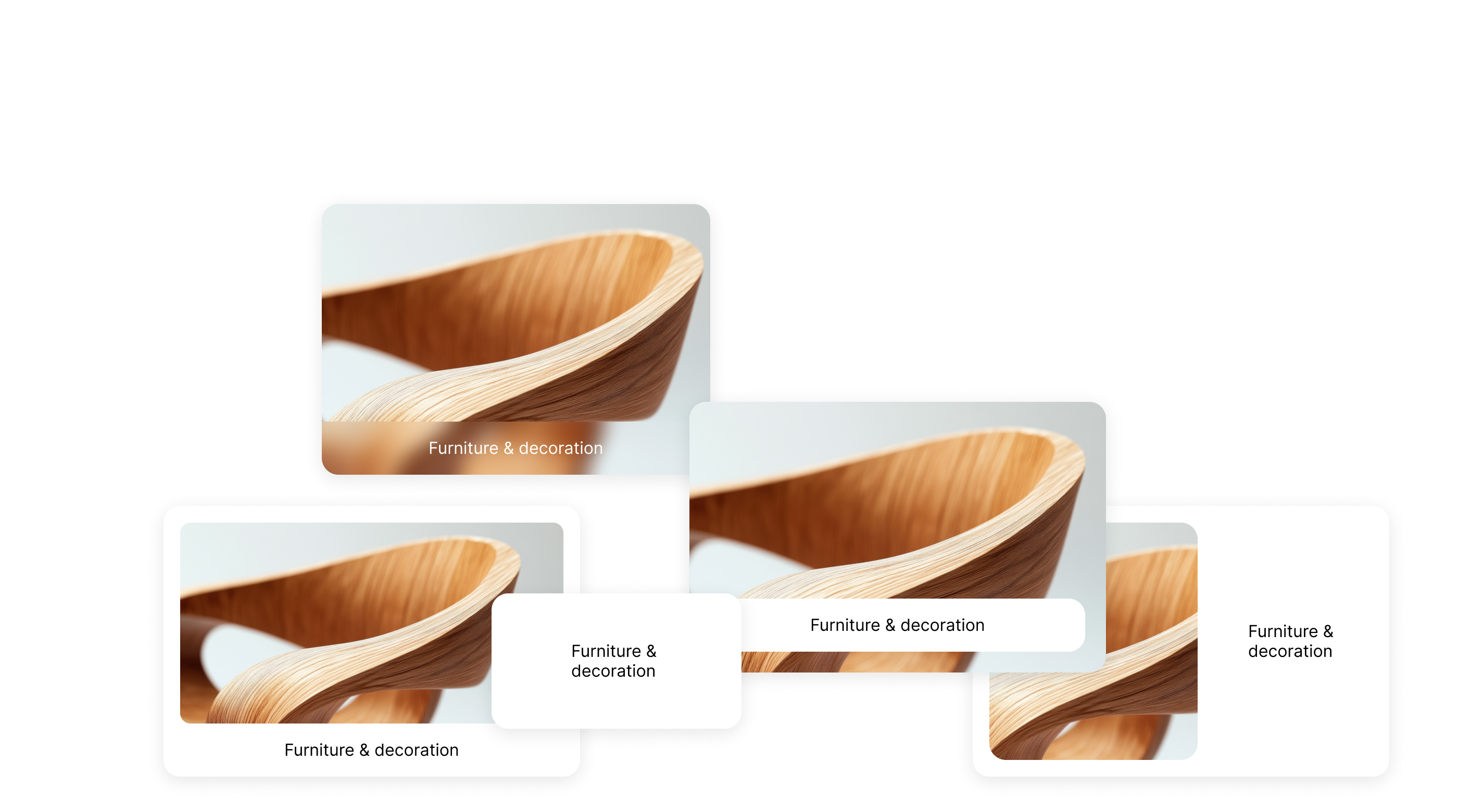
Category Listing
Display subcategories as a visual grid – perfect for clear entry pages.
Quickview
Product preview with gallery and purchase option – without a page change.
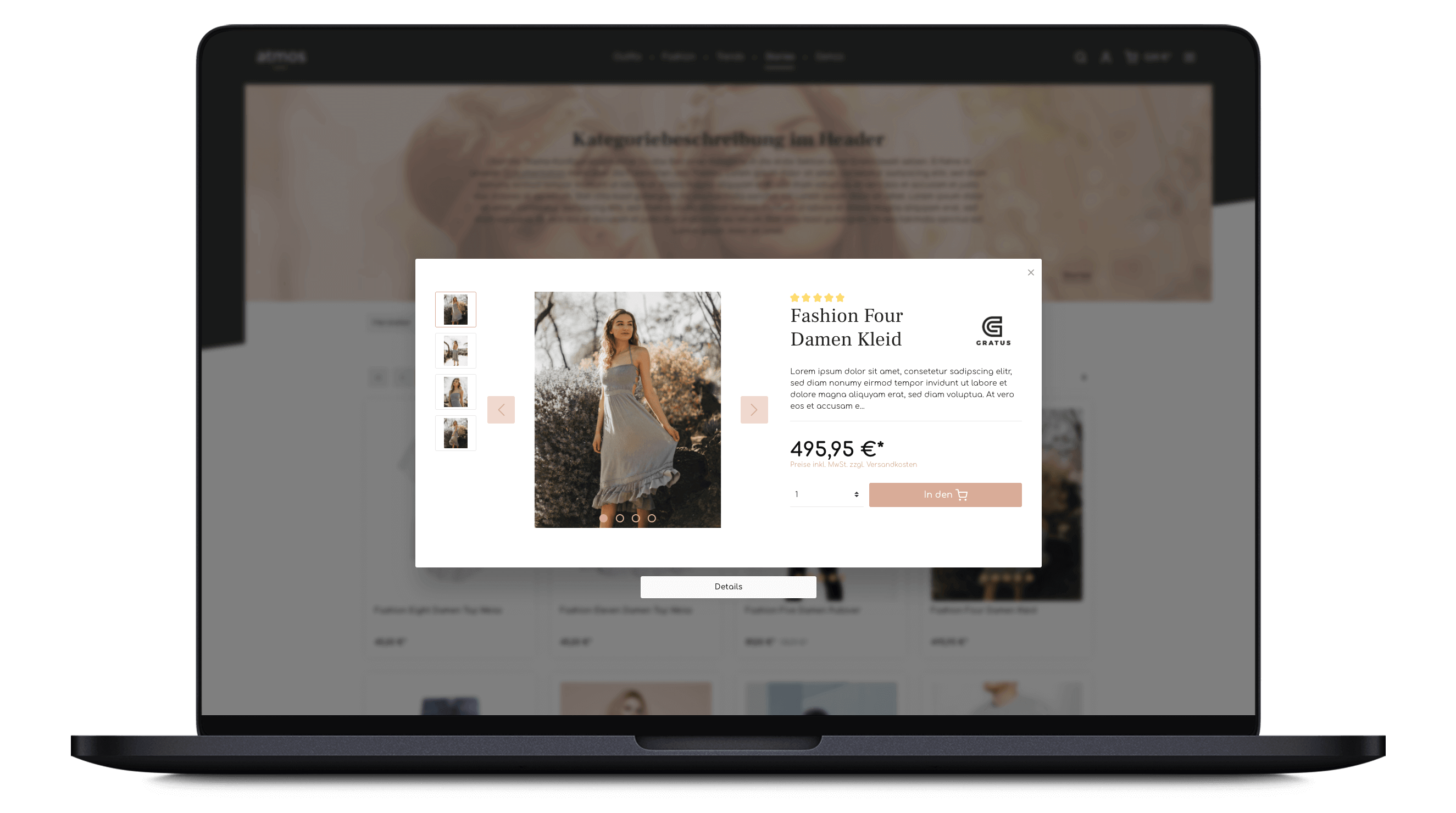
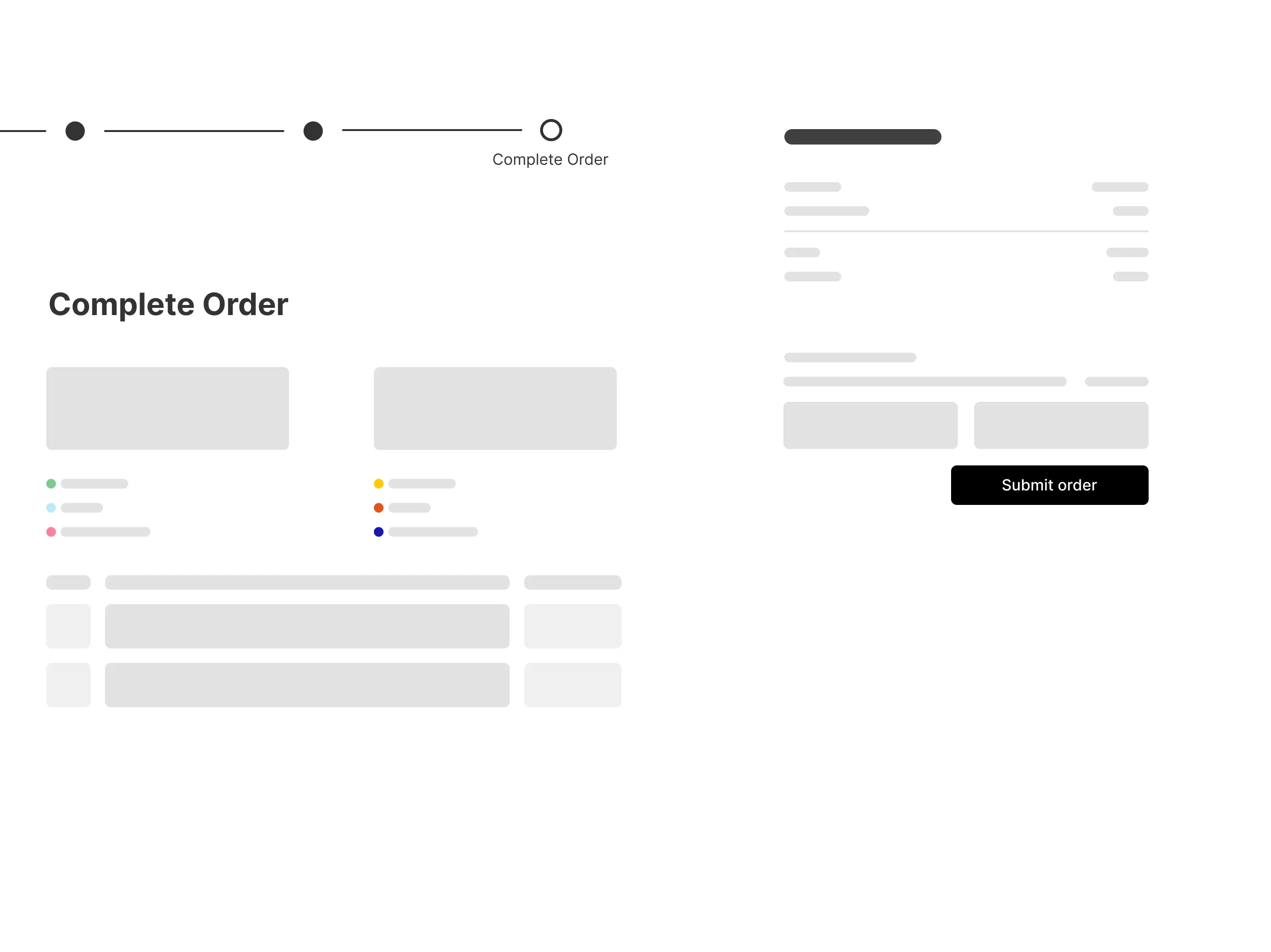
Optimized Checkout
Clear 3-step checkout and simplified login for fewer abandoned purchases.
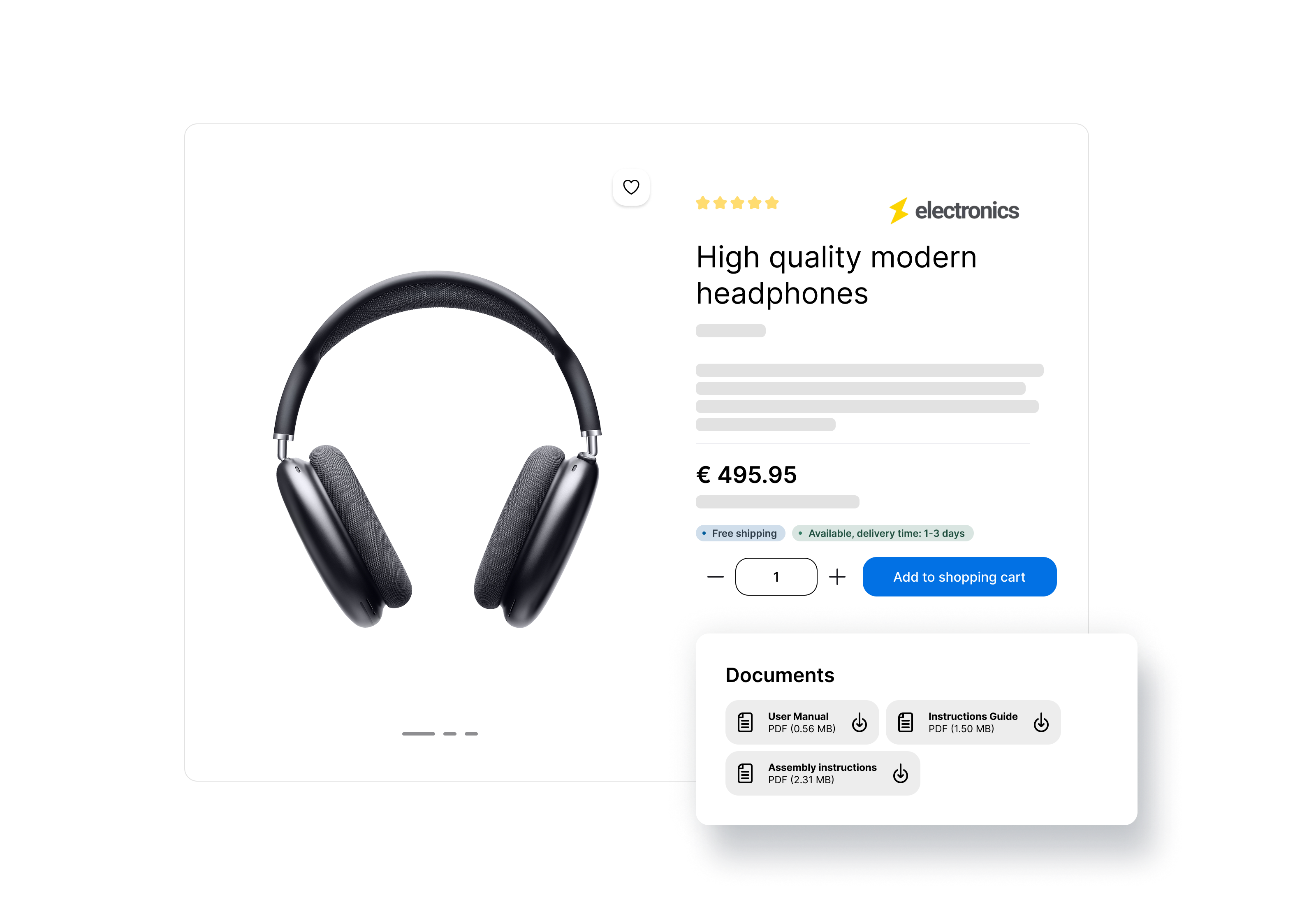
Download Gallery
Data sheets, PDFs and files as a dedicated tab or section on the product detail page.
Flexible Navigation
Single line header, Dropdown navigation


Whether for small product ranges in the brand store or the large variety of products in a virtual marketplace - the theme scales with your requirements.
The multi-line header offers you plenty of space for your categories - the single-line header looks more compact. The fold-out submenu also grows with your requirements. As a simple drop-down menu, the focus remains on the essentials - in the large fly-out menu, your customers have a full overview, even with numerous categories.
Product page layouts
The focus of our themes is on unique product placement.
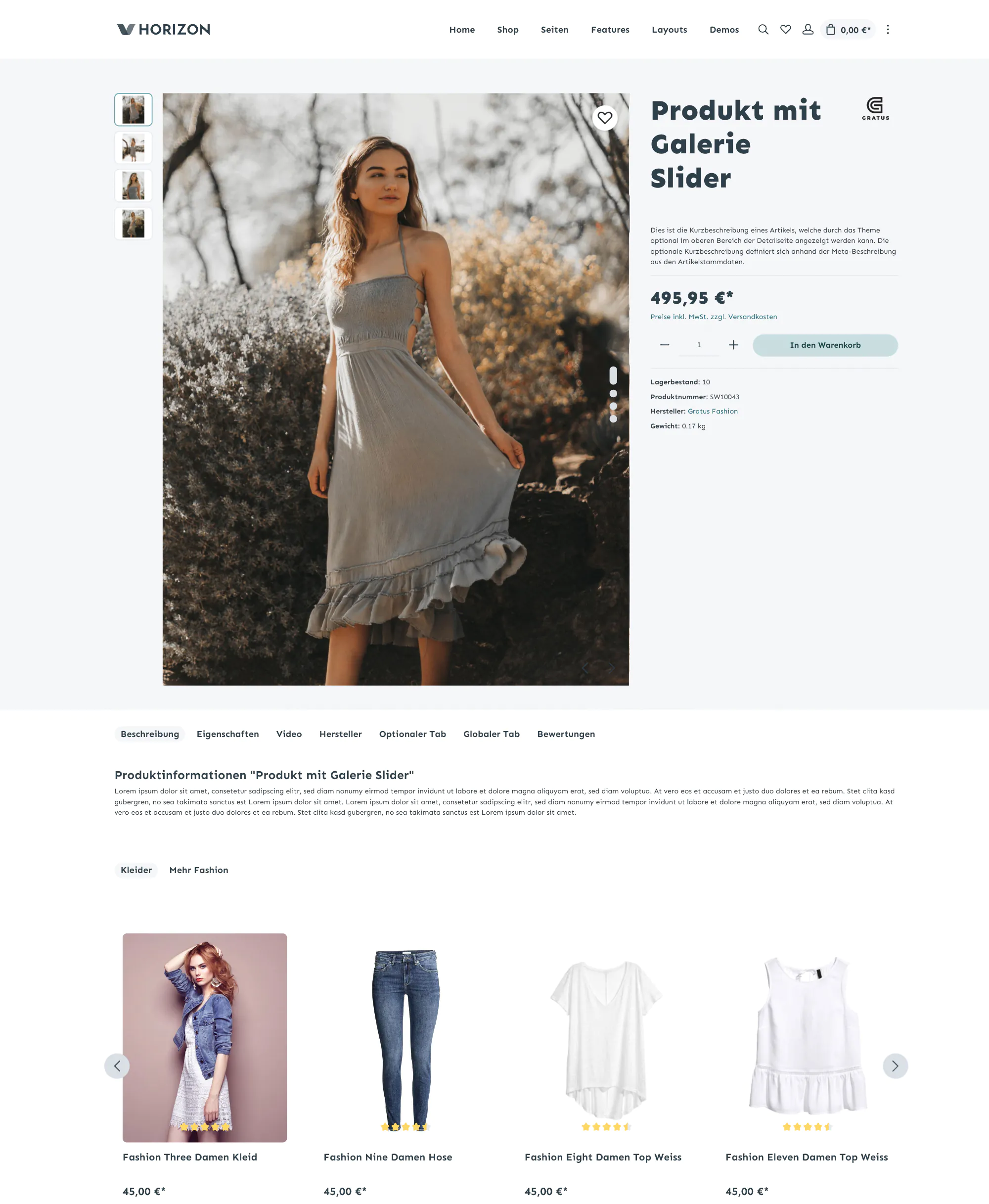
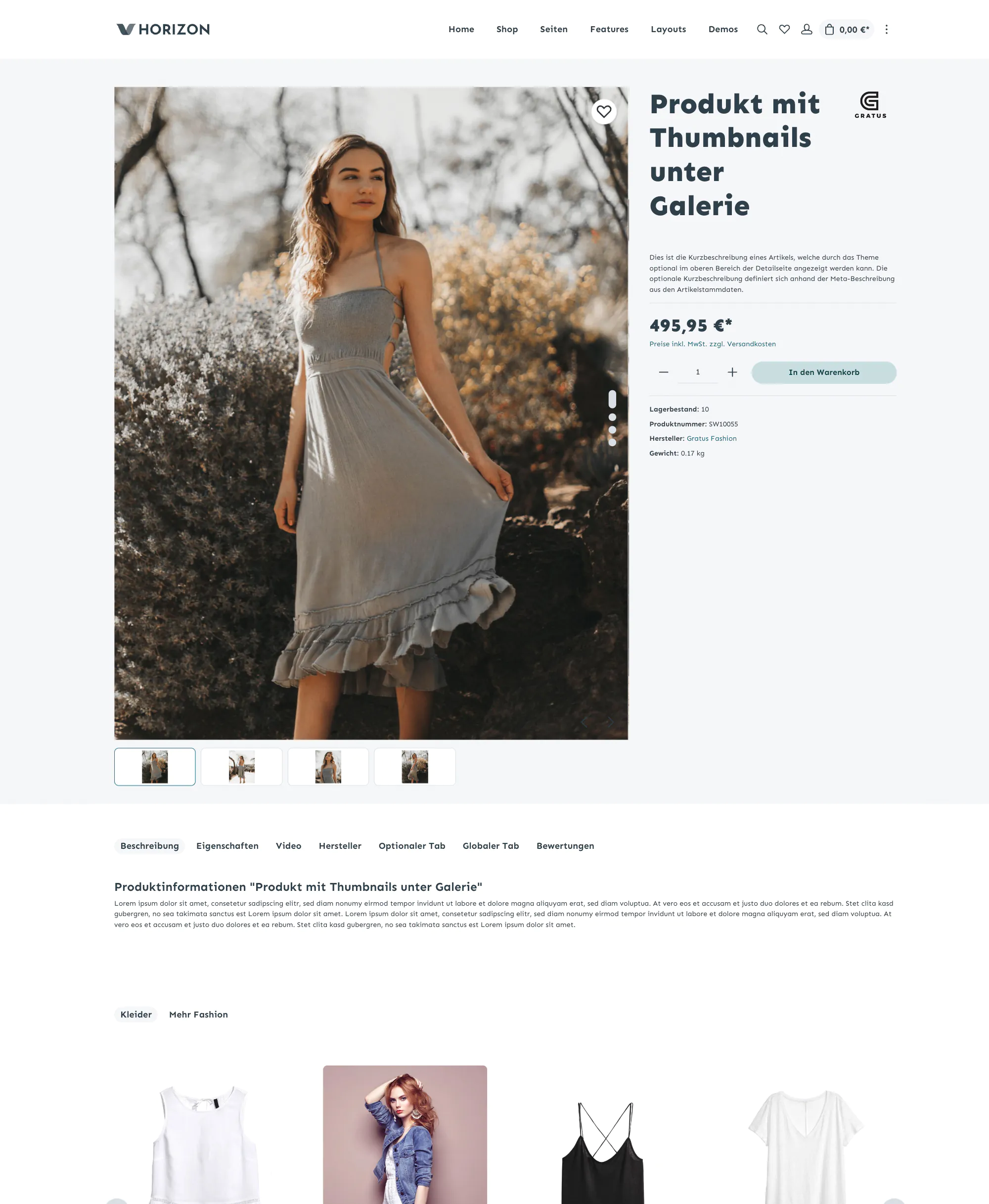
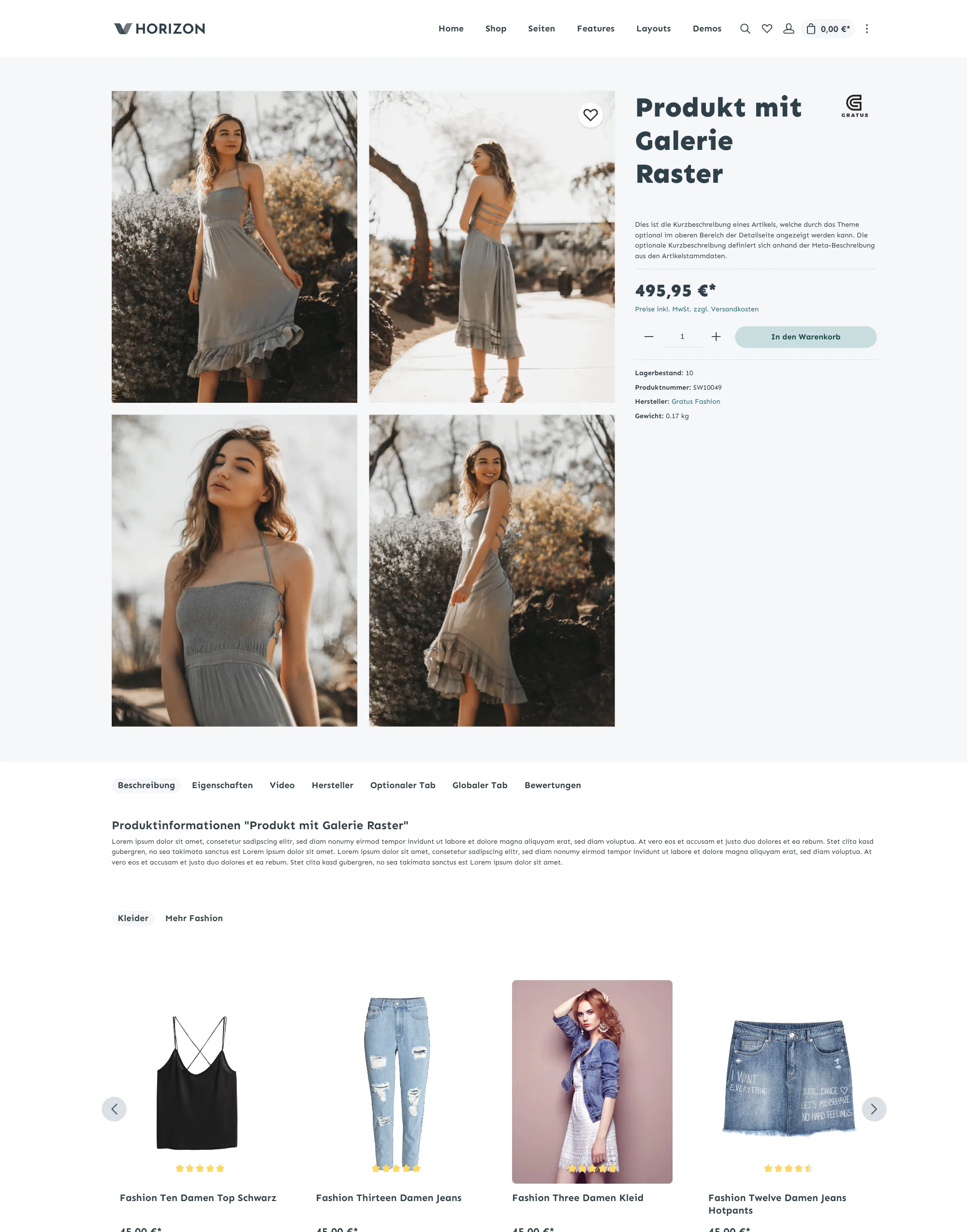
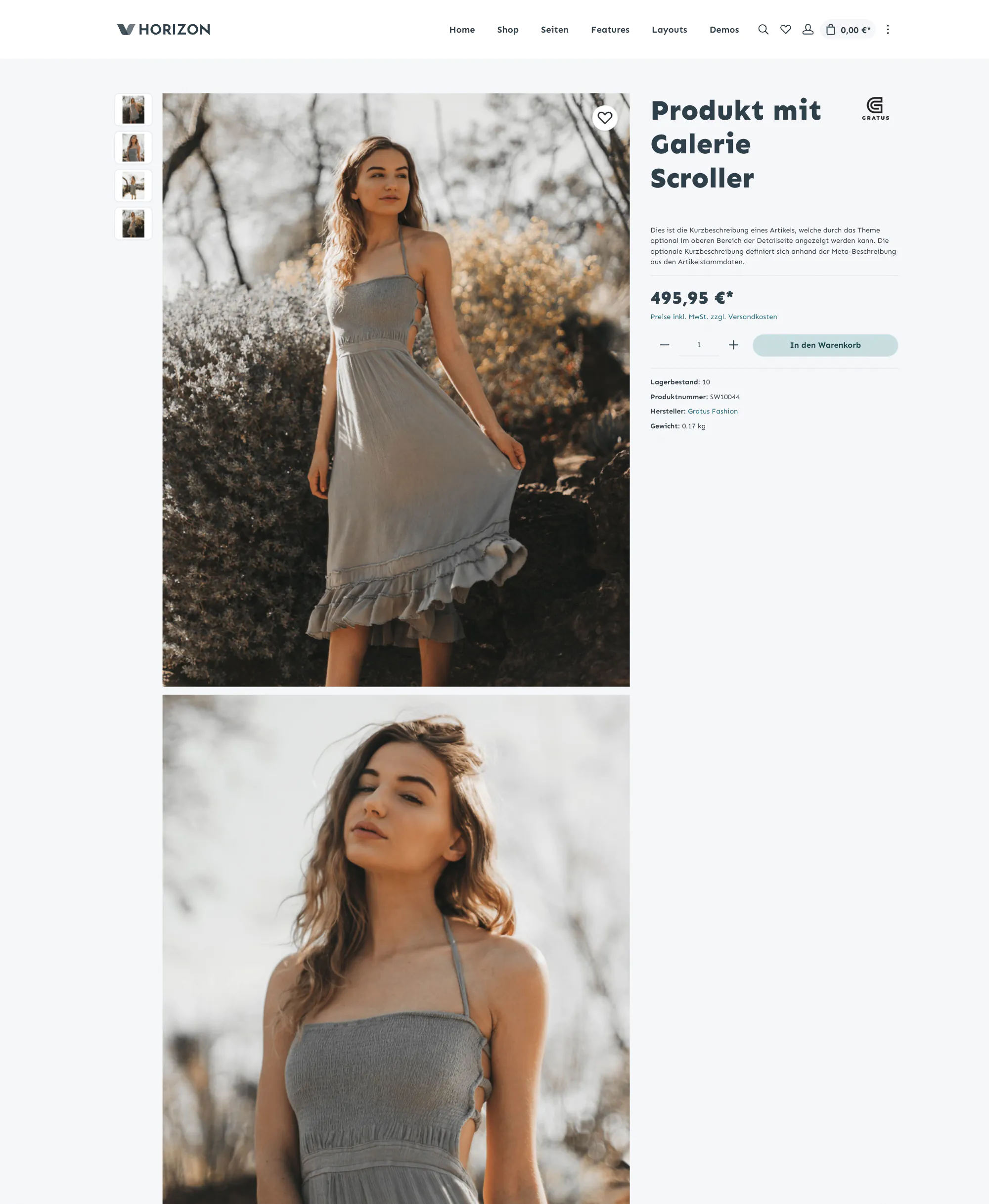
You can set the theme to your product image formats and benefit from the optimized product image scaling. Alternative gallery displays on the product detail page as a gallery scroller or gallery grid emphasize your product images again. In our themes, product images can be displayed much larger than in other themes.
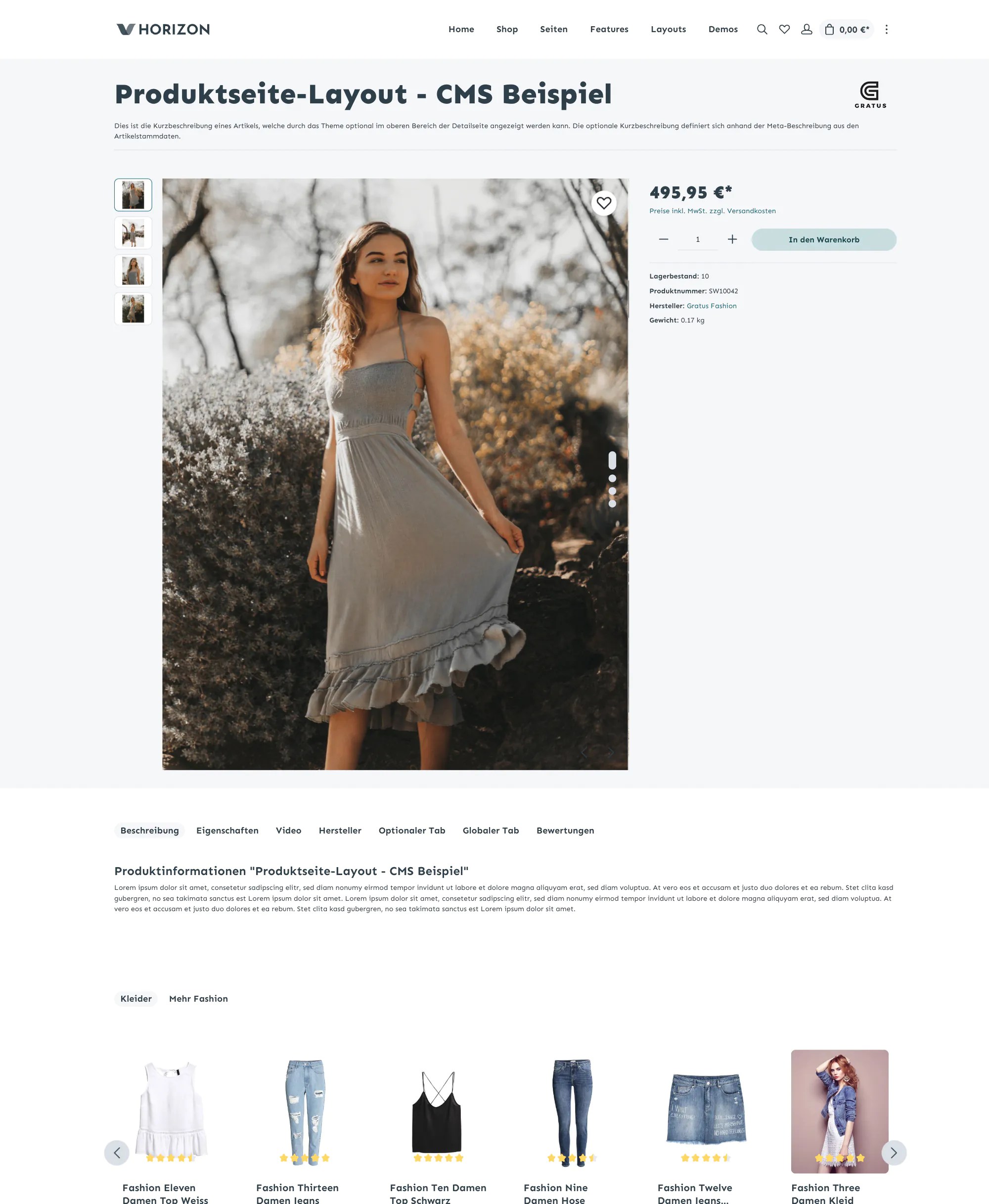
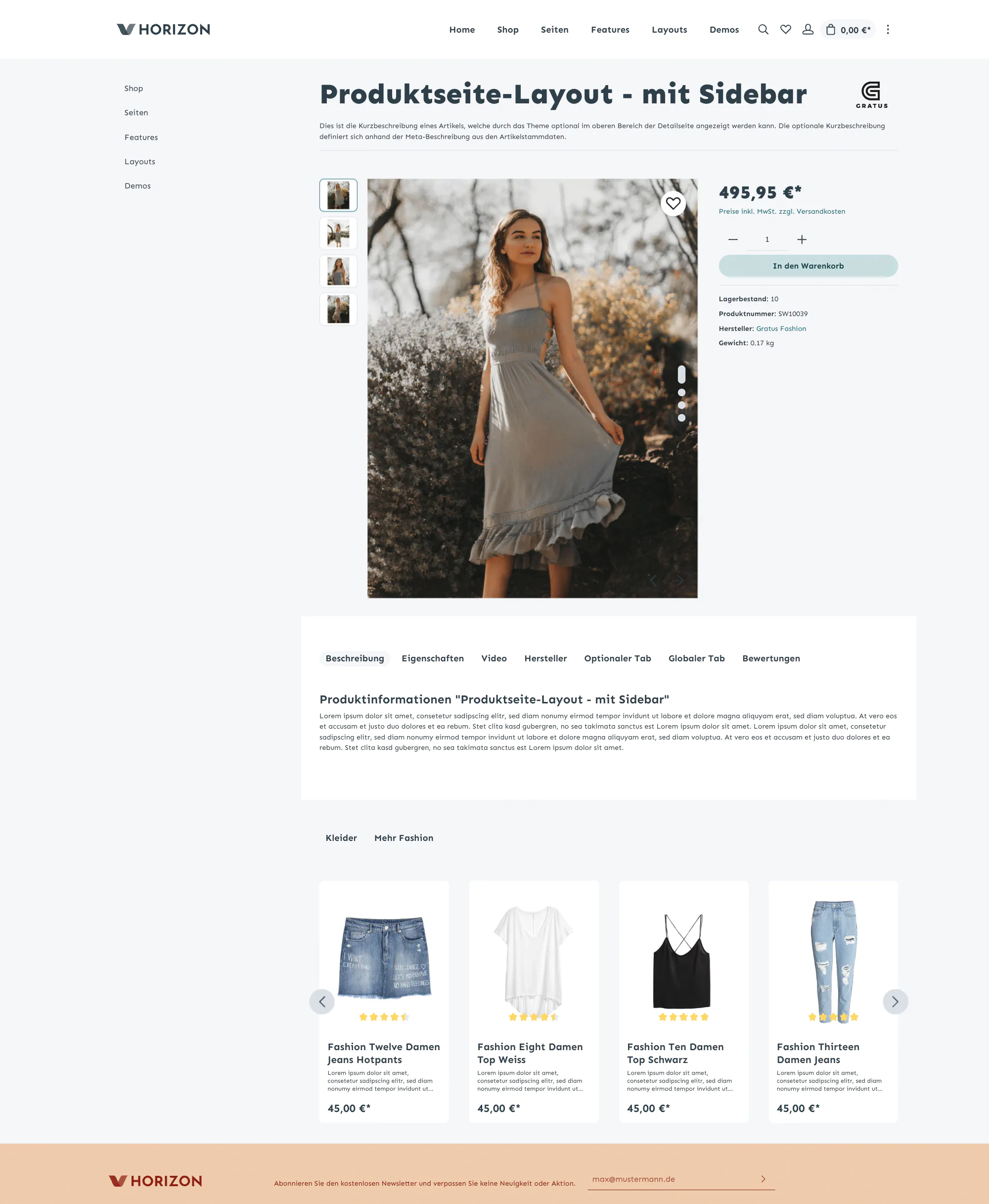


One-Click Demoimport
15+ Demos - Import demo data of your choice from the demo shops of our themes Gravity, Sphere, Horizon, Stratus and Atmos.
Discover nowSEO & PageSpeed
optimized
Zenit Design Themes offer the highest optimization in performance, accessibility, best practices and SEO.
Jetzt testen

Theme configuration
We offer you a logical theme configuration in which you can easily find your way without getting lost in unnecessary setting options.

Easy to edit
Easy to configure without programming knowledge and without professional support.

Preconfigured
With the help of our preconfigured child themes, you start with a preset theme.

Complexity
The right balance between sensible setting options and unnecessary complexity.

Better time to market
This allows you to start selling even earlier.
Components Tour
Discover more features of our themes in the feature list below.
Discover all features You can outsource the contents of the actual top bar to an off-canvas element with just one click.
Cover Switch in listings (Pro only)
Quantity selection already in the listing
 Quantity selection as a selection fieldQuantity selection as an input field
The header can optionally overlaying elements (e.g. video, slider, images) of the shopping experience (cms).
 Header with background color overlays a sliderA transparent header overlays a slider element
With just a few clicks, automatically set the category image as a mood image in the header area of the page
 The picture is automatically taken from the respective category.The header can optionally overlay the imageShopping Experience elements can be placed directly on the picture.Breadcrumbs can be placed on the category image as an experience world elementThe text contrast, a color overlay, visibility, position and image attachment can be set for each category.
With the CMS element for category listings you can display subcategories as a listing.
 Different settings in the element enable a wide variety of layouts.
 Gallery already available in QuickviewThe article preview is shown up by clicking on a button in the listing item. So the customer always has the decision to go straight to the product detail page. As a result, the Quickview does not have a disruptive effect.Buy function already available in Quick View.
 Additional tabs such as manufacturers, videos, datasheets, optional tabs per article, global tab for all articles and the presentation of the properties as a tab.Optionally show additional information about your articles.
In addition to the display of PDF files, other file formats such as TXT, JPG, PNG or GIF are also supported.
 Store one or more data sheets in the product - the additional tab automatically appears on the product detail page.
The dashboard not only shows you at a glance on which sales channels the theme is assigned - it is also a entrance point for documentation and assistance.
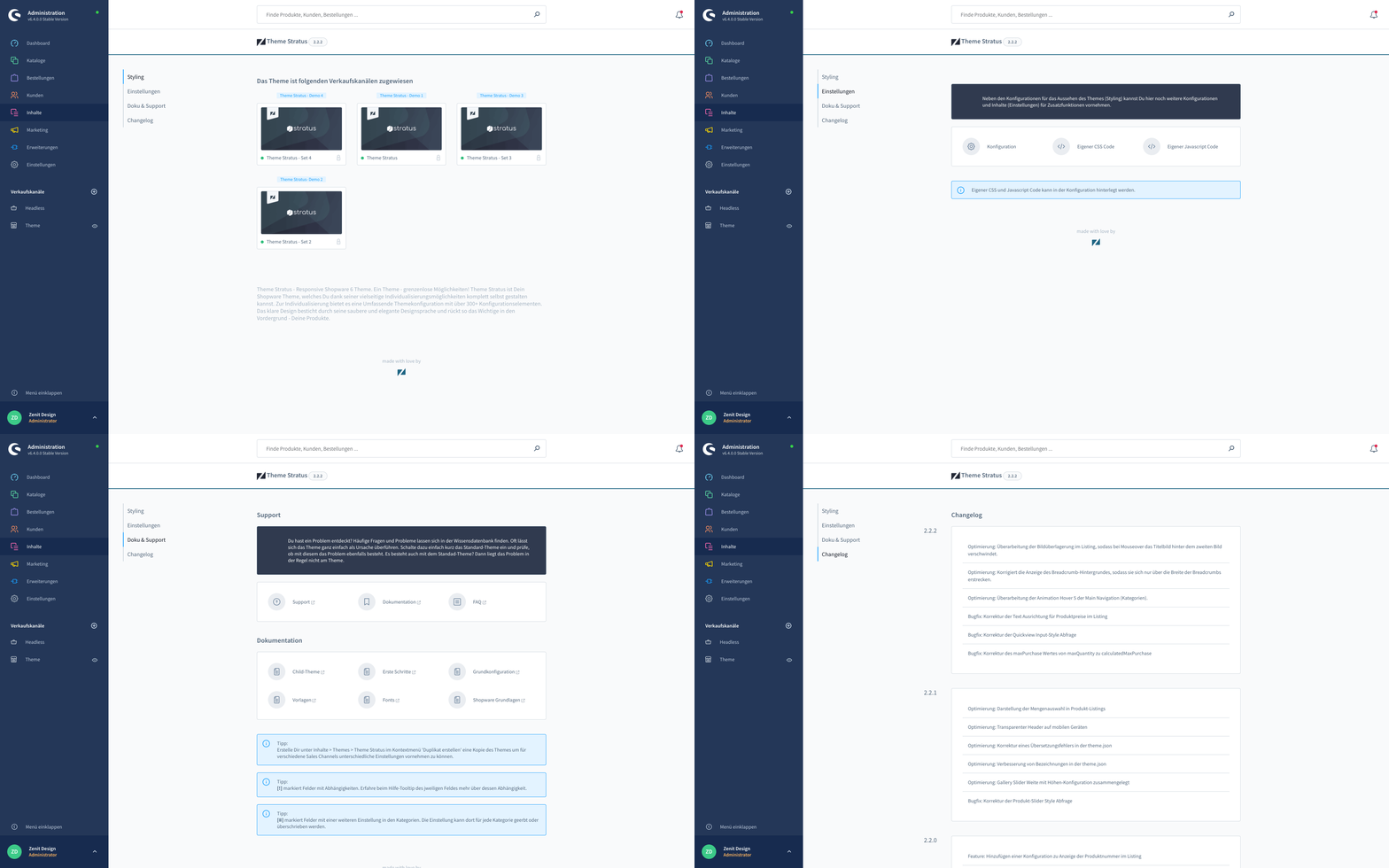
 Different search layouts spice up your design. Choose between the view as an overlay search, collapsible search or standard search.
Implement exciting fonts with just a few clicks.
 Headings and body text can use different font families.Fonts can be integrated locally using the theme fonts or externally using Google Fonts. Of course, you can also host and integrate your fonts yourself.
Shopware Standard
Optimization through our theme
The form labels can optionally be placed in the input fields. When entering, these slide up.
 The thumbnails can also be viewed below the galleryThe gallery width determines how much space the gallery can take up opposite the right buy box. A narrower buy box allows a larger display of the gallery.Set a minimum height for the gallery or use the optimal image format set
Sidebar filters can be shown expanded by default – optionally only the first x filters.

In addition to the dfault behaviour, product actions can also be displayed at various points on the product box when the mouse is hovered over.
Gallery Mode "Scroller"
Theme Features
Real features instead of superficial adjustments!
Our Shopware theme saves you the hassle of additional plugins – many features are already built in and perfectly matched. This gives you seamless compatibility and exclusive extras you won’t find anywhere else. For you, that means: less effort, no hidden extra costs, and savings of over € 4,093.
General
Design & scalability
Suitable for practically all topics, as well as small and large assortments.
Accessible design
optimized for accessibility according to the EU Accessibility Act (EAA)
Comprehensive configuration
Customizable - without any programming knowledge.
Installable configuration sets
Our demo-configuration as installable child themes, preconfigured.
PRO
1‑click demo-configuration import
Import demo-configuration with one click.
1‑click Demodata Import
Import the demo data and shopping experience layouts from our demos and get started straight away.
savings vs. unit price290,- €?
Integrated Apps
Many popular & useful apps already included in the theme.
No Branding
No branding, no copyright notice, no extra fees.
Optimised compatibility
Development approach with maximum compatibility and unlimited expandability.
SEO & Pagespeed optimized
Best practice theme that is optimised for search engines and performance.
Developer Support
Get targeted support from qualified developers.
Multilingual
Frontend and backend are multilingual & designed for any number of sales channels.
Optimized for mobile devices
Best usability for your customers - also on mobile devices.
savings vs. unit price290,- €?
PRO
Dashboard
A clear dashboard shows in which sales channel the theme is used and offers many useful help links.
Layout
3+ Topbar Layouts
For a tidier & cleaner look.
15+ Icon Fonts
Different icon fonts - suitable for your layout.
savings vs. unit price12,- €?
5+ Basic Layouts
Full-Width, Full-Width-Boxed, Full-Width-Header Full-Width-Header & Footer, Boxed + adjustable Width.
3+ Search Layouts
Standard, Expandable and as Overlay Element.
Preloader Animation
Shows a nice loading animation instead of the page layout.
savings vs. unit price12,- €?
Background image
Set a global background image for the entire shop.
savings vs. unit price60,- €?
Theme Fonts
Choose your favorite font from the included theme fonts.
savings vs. unit price66,- €?
Google Fonts
Use the Google Fonts integration or use your own fonts.
savings vs. unit price66,- €?
Custom Fonts
Use your own fonts.
Optimized product images
Configure the product boxes to match the aspect ratio of your product images.
Shopping Experiences
NEW
Animate on Scroll
Scroll animations for displaying the elements are triggered when the page is scrolled.
savings vs. unit price120,- €?
NEW
Reveal animations
Animates menu and off‑canvas content when shown.
PRO
Kategorie-Listing Element
Das Kategorie-Listing Element stellt die Unterkategorie oder einen wählbaren Einstiegspunkt dar.
savings vs. unit price108,- €?
PRO
Image-Text Slider element
An image-text slider extends the possibilities of the standard slider.
savings vs. unit price120,- €?
PRO
Teaser element
The teaser element gives you the opportunity to place text and links on images.
savings vs. unit price120,- €?
PRO
Breadcrumbs element
The breadcrumbs element lets you move the breadcrumbs to any position.
savings vs. unit price96,- €?
PRO
Features element
Show benefits and UPSs as icon-text combination.
savings vs. unit price18,- €?
PRO
Code element
With the code element you can add HTML/Twig, CSS and JS.
savings vs. unit price30,- €?
PRO
Divider element
With the divider element you can add elegant dividing lines with text.
PRO
Category-Navigation
Advanced category navigation with selectable entry point, subcategory only or active path.
savings vs. unit price70,- €?
PRO
Footer-Navigation
Display the navigation from the footer-navigation entry point.
savings vs. unit price60,- €?
PRO
Placeholder element
The placeholder element helps you to structure your shopping experiences.
PRO
4+ Gallery & Buybox blocks
Additional Gallery & Buybox blocks for product detail page.
Shopping Experiences columns
More flexibility through additional column/grid blocks in the Shopping Experiences.
savings vs. unit price58,- €?
PRO
Shopping Experiences layouts
More complex design through additional layout blocks in the Shopping Experiences.
savings vs. unit price100,- €?
HTML5 videos in CMS elements
Support in Text Banner, Teaser, Search Banner, Image‑Text Slider.
Header
Individual header
Logo, shop-navigation & categories can be arranged individually.
savings vs. unit price66,- €?
Logo size
Logo size adjustable for mobile and desktop devices.
Logo position
Center your brand in the focus of the header or align it left or right
savings vs. unit price59,- €?
Sticky header
Fixed header on all devices - if you want!
savings vs. unit price36,- €?
Dropdown navigation
Dropdown navigation as an alternative to flyout navigation.
savings vs. unit price36,- €?
Navigation levels flyout navigation
Define the maximum navigation levels for the flyout navigation.
Navigation levels dropdown navigation
Define the maximum navigation levels for the dropdown navigation.
Menu-Scroller
With numerous main navigation categories, these can be scrolled horizontally instead of wrapping.
savings vs. unit price120,- €?
Main navigation as offcanvas
Minimize the menu to the burger icon on desktop devices, too.
Overlay header
Have the header overlay the Shopping Experience elements, such as a slider or video element
Transparent header
The background colors of the header can be switched to transparent.
NEW
Contrast Headers
Change colors to Light Header, Dark Header and Inverted Header for better contrast with overlay headers.
Language selection
Customizable language selection.
NEW
Category labels
Mark any categories with your own labels/badges to make them stand out.
savings vs. unit price59,- €?
Navigation icon size
Configurable sizes for navigation icons.
External link indicator in menus
Mark external links across the various menus.
Mixed menu per category
Combine flyout and dropdown per category.
Category images in flyout
Display category images inside the flyout menu.
Category icons
Icons in flyout, dropdown, off‑canvas, main and sidebar menus.
Dynamic flyout column fill
Auto‑distribution of columns for large menus.
VAT note in footer
Toggle the VAT note in the footer.
Logged‑in indicator in navigation
Shows signed‑in status in the shop navigation.
Minimizable badges in navigation
Badges/counters can be minimized to save space.
Service navigation in top bar
Display service links in the top bar.
Service navigation in off‑canvas
Display service links in the off‑canvas menu.
Footer
Individual footer
Content assignment, column arrangement, sorting, widths, styling and much more.
savings vs. unit price59,- €?
Newsletter registration in footer
Display the newsletter registration in the footer.
savings vs. unit price60,- €?
NEW
3 Individual footer column
Place individual content as a custom column in the footer.
NEW
Shipping- & Payment Logos footer columns
Show the provider logos in the footer as columns or in the footer bottom area.
Logo in the footer
Additional logo in footer.
Footer column width
Individual footer column widths per device.
Footer column sorting
Individual footer column sorting per device.
Footer columns expanded mobile
Individual columns can be opened directly on mobile devices.
Service Navigation
Show the service navigation in the bottom footer.
Category pages
Listing layout
Listing styling, spacings, hover effects, product actions and much more.
savings vs. unit price42,- €?
Category image in listings
Automatically display category images in the category listing.
Quickview, article preview
Preview of the article in the article listing.
savings vs. unit price60,- €?
Shipping time in listing
Show delivery time in the product box.
Suppress offcanvas-cart in listing
Ideal for B2B catalog pages without direct purchase.
Product name: number of lines
Set the maximum number of name lines.
Product layout for search results
Choose product layout on the search results page.
Product layout for wishlist
Choose product layout on the wishlist page.
Meta description instead of product description
Use the SEO meta description in listing.
SKU in listing
Show the SKU in the product box.
Minimal product box
Hide description, SKU, unit price, variant attributes, lowest variant price, delivery time.
Differentiated product actions (variants)
Master, single, and products with advanced prices.
Rating stars placeholder
Fallback stars if no ratings available.
Round savings
Round savings in listing and on the product page.
PRO
Variant selection in Quickview
Selection of the variant in the Quickview with direct purchase option.
Quantity selection in the listing
Buy button incl. quantity selection already available in the listing.
savings vs. unit price48,- €?
Alternative product image on hover
Show an alternative / second product image in listings on mouseover.
savings vs. unit price59,- €?
Additional product actions
In addition to the buy button in the listing, the quick view and quantity selection functions are also available.
Product boxes per row
For each display device, you determine how many products are to be displayed in one row.
savings vs. unit price66,- €?
NEW
Produktboxen Animate on Scroll
Animation of the product boxes - when scrolling, products are displayed one after the other in the listing.
savings vs. unit price60,- €?
Open filters
Filters in the sidebar can be displayed directly open. Optionally, the first x-filters can also be displayed open.
savings vs. unit price60,- €?
SKU input in off‑canvas cart
Always show the input field.
Hide SKU in checkout
Optionally hide SKU in the checkout.
NEW
Hide filter options without results
Filter options without results are hidden
Sticky checkout summary
Keep the order summary fixed during checkout.
Advanced discount badge
Extended presentation of the price advantage, exact or rounded.
CSS classes
You can enter your own CSS classes for each category.
Product pages
Additional tabs
Global tab & custom tabs on detail page.
savings vs. unit price59,- €?
Properties as tab
Properties table as tab on the detail page.
savings vs. unit price47,- €?
Manufacturer tab
Manufacturer information as a tab on the detail page.
savings vs. unit price47,- €?
PDF viewer tab
Integrate PDF files incl. PDF viewer on the detail page.
savings vs. unit price96,- €?
Description tabs as accordion
Show product description, reviews, etc. as an accordion.
NEW
Content Scroller
Tabs are displayed opened stacked one below the other. The tab navigation scrolls to the appropriate content when clicked.
savings vs. unit price60,- €?
Unlimited PDF downloads
Link any number of PDFs via custom fields.
Variant attributes on product page
Show variant attributes on the product page.
Videos Tab
Video tab on the detail page for YouTube and Vimeo videos.
savings vs. unit price120,- €?
Additional product details
Product number, inventory, sales, EAN, manufacturer, manufacturer number, manufacturer URL, length, width, height, weight
savings vs. unit price60,- €?
Image gallery configurator
Select size and aspect ratio, magnifier, zoom function and much more of the gallery slider on the detail page.
savings vs. unit price179,- €?
NEW
Gallery mode scroller
Alternative display of the gallery slider as a gallery scroller.
NEW
Gallery Mode Grid
Alternative display of the gallery slider as a gallery grid with two products per row.
savings vs. unit price348,- €?
NEW
Product features, product benefits
Show product benefits per product on the detail page.
savings vs. unit price71,- €?
Short description
Optional short description of the product.
savings vs. unit price12,- €?
NEW
Sticky Buybox
Fixed buy box next to the gallery always stays in the view of your customers.
NEW
Product configurator enhancements
Display settings, mark properties that cannot be combined, tooltips and much more.
savings vs. unit price108,- €?
Checkout
NEW
Revised checkout process
Optimised checkout. Simplified login for existing customers.
NEW
Checkout Header & Footer
Fewer abandoned purchases thanks to distraction-free headers and footers with minimised functions.
NEW
Checkout Steps
3 Step Checkout for easier orientation in the checkout process.
savings vs. unit price60,- €?
NEW
Legal links in cookie banner
Show e.g. imprint/privacy directly in the banner.
NEW
Password show/hide in forms
Toggle visibility for password fields.
Scroll‑up button position
Choose the position of the back‑to‑top button.
NEW
Position of terms of service
Conversion-optimized position of the terms of service in the checkout.
savings vs. unit price66,- €?
Additional functions
Color product images
Overlay your product images with a partially transparent color.
Quantity field
Alternative display of quantity selection to quantity input with -/+ buttons.
savings vs. unit price60,- €?
Announcement banner / Text slider
Animated text slider as a banner or in the offcanvas topbar element.
savings vs. unit price59,- €?
Social Media Integration
Set the links to your social media channels.
savings vs. unit price24,- €?
Lazy Loading
Native Lazy Loading (on-demand loading).
savings vs. unit price48,- €?
Cookie banner display
Alternative display of the cookie banner when entering the site.
PRO
Google Fonts Cookie
Data protection-compliant integration of Google Fonts through an activatable cookie.
NEW
Hide quantity selection
Hide quantity selection in listings, quick view and detail page.
savings vs. unit price13,- €?
NEW
Expandable sidebar navigation
Sidebar navigation as Accordion for a more customer-friendly category overview.
savings vs. unit price69,- €?
NEW
Sticky Sidebar
Die Sidebar und deren Inhalte kann fixiert werden und scrollt mit.
savings vs. unit price59,- €?
NEW
Selectable product layout type
Selectable product layout type for search results, wishlist and cross-selling page types.
Floating Labels
Make forms look clearer by displaying the label as a placeholder.
savings vs. unit price60,- €?
Extended product slider
Elements outside the slider area are displayed with a visibility of 50%.
Custom CSS Code
Add your own CSS code to the theme via administration.
savings vs. unit price36,- €?
Custom Javascript Code
Add your own Javascript code to the theme via administration.
savings vs. unit price36,- €?
Frequently Asked Questions
Didn't find your question? You will find many more answers in our documentation .
All our themes – whether Atmos, Gravity, Horizon, Sphere or Stratus – are based on exactly the same core and only differ in their default settings. Due to the large number of configuration options, we provide installable templates in the form of child themes for an easy introduction. So just decide on the theme and template whose demo you like best. Everything else can be configured manually.
You don't even need to – a single theme is enough. Because all themes run on the same core, every template and every demo already works with every theme. Simply choose the theme whose demo you like best and you'll still have access to all features and experience worlds.
Every feature is included in every theme. There are no theme-specific base features – whether Atmos, Gravity, Horizon, Sphere or Stratus: the range of features is identical everywhere. The themes only differ in look and default settings, not in their functionality. So any feature you see in a demo is available to you with every theme.
Yes, the 1-click demo data import works across themes. For example, you can import the experience worlds of “Horizon Set 3” even if you have a different theme – such as Atmos Pro – installed. The demo data import is a standalone product that works with all Zenit Design themes; the demo experience worlds are fully compatible.
Thanks to a completely own theme configuration the theme is very simply configured and individualized - without any programming knowledge. Especially for Shopware beginners here offers a cost-effective alternative to expensive agencies. Especially with regard to the new Shopware 6 version it pays to buy our themes. But even agencies and professionals can customize the entire theme for their own customers by deriving a child theme - without any branding or copyright notice.
You are welcome to change the copyright of the test modules and remove the reference to us. There are no additional costs or fees . This also applies to agencies that want to offer our theme to their customers. Of course we are also happy if you keep the reference to our work in your theme.